
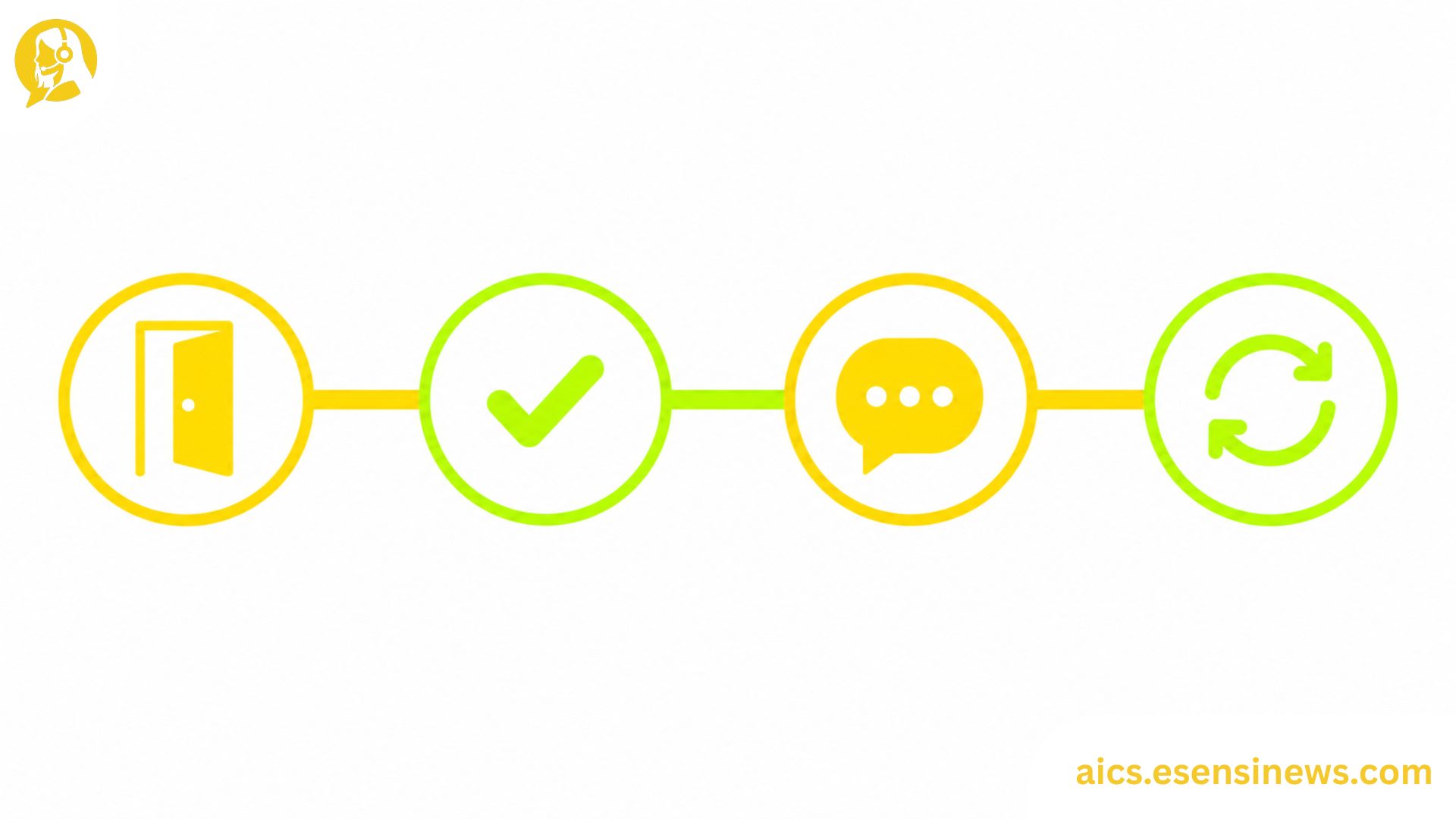
AI in customer support tends to get discussed as one big, uniform category, as if it works the same way regardless of when a customer encounters it. In practice, that’s far from true. The way AI shows up when a customer is still deciding whether to buy looks completely different from how it shows up six months into using your product, or during a renewal conversation.
Understanding this stage-by-stage difference matters because it changes how you should think about implementation. A single, generic AI strategy applied uniformly across the entire customer journey tends to underperform compared to one that’s tailored to what customers actually need at each specific point.
This guide walks through what AI in customer support actually looks like at four key stages of the customer journey: pre-purchase, onboarding, ongoing support, and renewal or offboarding. Along the way, we’ll cover what’s working well at each stage, common pitfalls, and how to think about your own support strategy through this lens.
Why Stage-Based Thinking Matters for AI in Customer Support
Most customer support strategies are organized around channels, like email, chat, and phone, rather than around journey stages. That’s a reasonable operational structure, but it can obscure something important: customer needs, emotional states, and expectations shift dramatically depending on where they are in the relationship with your brand.
A customer evaluating your product before purchase needs reassurance and information. A customer three weeks into onboarding needs guidance and momentum. A customer facing a renewal decision needs to feel like the relationship has been worth continuing. AI in customer support that’s designed with these distinctions in mind tends to feel far more relevant and helpful than a one-size-fits-all chatbot dropped into every stage equally.
Stage 1: Pre-Purchase AI in Customer Support
Before a customer ever becomes a customer, AI often shows up in the form of pre-sales support, answering product questions, comparing options, and removing friction from the buying decision.
What This Looks Like in Practice
- AI chatbots answering product specification or compatibility questions
- Automated comparison tools that help prospects understand fit
- Proactive chat prompts triggered by browsing behavior, offering help before a question is even asked
What Tends to Work Well
Pre-purchase AI performs best when it focuses on reducing friction and uncertainty rather than pushing sales messaging. Prospects researching a purchase decision generally want honest, helpful information, not an aggressive automated pitch.
Common Pitfall
Treating pre-purchase chat AI purely as a lead generation tool, rather than a genuine support resource, tends to erode trust before the relationship even begins.
Stage 2: Onboarding AI in Customer Support
Once a customer commits, the onboarding period is often where the relationship is won or lost. AI in customer support during this stage focuses heavily on guidance, momentum, and proactive intervention.
What This Looks Like in Practice
- Automated, personalized onboarding sequences based on customer goals or use case
- AI that detects when a customer hasn’t completed a key setup step and proactively reaches out
- Smart in-product guidance that adapts based on how the customer is actually using the product
What Tends to Work Well
Proactive AI that catches stalled onboarding early, before a customer gives up silently, tends to have an outsized impact on long-term retention. This is one of the highest-leverage places to invest in AI in customer support, since early experience strongly shapes long-term perception.
Common Pitfall
Generic onboarding flows that don’t adapt to actual customer behavior often feel irrelevant fast, leading customers to ignore automated guidance entirely.
Stage 3: Ongoing Support and AI in Customer Support
This is the stage most people picture when they think about AI in customer support: handling tickets, answering questions, and resolving issues as they come up during regular product use.
What This Looks Like in Practice
- Conversational AI handling common, repetitive questions across chat, email, or voice
- Agent-assist tools supporting human agents during more complex interactions
- Proactive alerts when AI detects unusual account activity or potential issues
What Tends to Work Well
A blend of automated resolution for routine requests and clear, fast escalation to humans for anything more complex tends to produce the best customer experience at this stage, balancing efficiency with genuine care.
Common Pitfall
Over-automating ongoing support without clear escalation paths is one of the most common sources of customer frustration, especially when customers feel trapped in unhelpful automated loops.
Stage 4: Renewal and Offboarding AI in Customer Support
This stage gets the least attention in most AI strategies, but it’s where AI can have a meaningful impact on retention and even win-back opportunities.
What This Looks Like in Practice
- AI that identifies declining engagement patterns well before a renewal decision approaches
- Automated, personalized check-ins that proactively address potential concerns
- Exit surveys and offboarding flows that use AI to identify patterns in why customers leave, informing future retention efforts
What Tends to Work Well
Early warning signals, flagged weeks or months before a renewal date, give your team genuine time to intervene thoughtfully, rather than scrambling reactively right before a decision point.
Common Pitfall
Waiting until the renewal conversation itself to address concerns that AI could have flagged much earlier is a missed opportunity that shows up repeatedly across support operations.
Pros and Cons of Stage-Based AI in Customer Support
Pros ✅
- More relevant customer experiences at each specific point in the journey
- Higher-impact resource allocation, focusing AI investment where it matters most at each stage
- Better retention outcomes, especially through proactive onboarding and renewal-stage intervention
- Clearer success metrics, since each stage has distinct, measurable goals
- More natural internal alignment, since different teams often own different journey stages
Cons ❌
- Requires more coordinated planning than a single, uniform AI deployment
- Demands cross-team alignment, since journey stages often span marketing, sales, and support
- More complex to implement, since each stage may need different AI configurations or tools
- Harder to maintain consistency, since tone and approach need to feel coherent across distinct stages
- Requires ongoing tuning as customer behavior and journey patterns evolve over time
Practical Tips for Building Stage-Based AI Into Customer Support
- Map your actual customer journey first, identifying the real stages your customers move through, not just a generic template.
- Identify the highest-friction moment in each stage, and prioritize AI investment there rather than spreading effort evenly.
- Make sure context carries across stages, so customers don’t have to reintroduce themselves as they move from pre-purchase to onboarding to ongoing support.
- Set stage-specific success metrics, since what counts as a win during onboarding looks very different than during ongoing support.
- Review your renewal-stage AI especially closely, since this is the stage most commonly underinvested in despite its outsized impact on retention.
Common Mistakes Teams Make With AI Across the Customer Journey
- Applying the same AI configuration uniformly across every journey stage, regardless of differing customer needs
- Underinvesting in onboarding and renewal stages, focusing almost entirely on reactive, ongoing support
- Losing context between stages, forcing customers to repeat information as they move through the journey
- Failing to align AI strategy across departments, since journey stages often span multiple teams
- Measuring success with the same metrics everywhere, missing what actually matters at each specific stage
FAQ: AI in Customer Support
1. How does AI in customer support differ across the customer journey? AI shows up differently depending on the stage, from reducing friction in pre-purchase decisions to driving momentum during onboarding and flagging risk before renewal.
2. Which stage of the customer journey benefits most from AI? Onboarding and renewal stages often see the highest impact, since proactive intervention at these points has an outsized effect on long-term retention.
3. Is it harder to implement stage-based AI in customer support than a single uniform system? Yes, generally. It requires more coordinated planning and cross-team alignment, but tends to produce more relevant, effective customer experiences.
4. How can AI improve customer onboarding specifically? AI can personalize onboarding sequences based on customer goals and proactively reach out when customers stall on key setup steps, reducing early churn.
5. Why is renewal-stage AI in customer support often overlooked? Most AI investment focuses on reactive, ongoing support, leaving renewal and offboarding stages underdeveloped despite their significant impact on retention.
6. How do you maintain consistency when using AI differently across journey stages? Ensure customer context carries across stages and maintain consistent tone and brand voice, even as the specific AI use case shifts.
7. What metrics should be tracked for AI in customer support at each stage? Pre-purchase might track conversion assistance, onboarding might track completion rates, ongoing support might track resolution time, and renewal might track early-warning accuracy and retention impact.
Conclusion
AI in customer support isn’t one uniform thing, it’s a set of distinct tools and strategies that should look different depending on where a customer is in their relationship with your brand. From reducing pre-purchase friction to catching stalled onboarding and flagging renewal risk early, the highest-impact AI strategies are the ones built around the actual shape of your customer journey, not a generic template applied everywhere equally.
The takeaway? Map your journey first, then build AI around what each stage actually needs. That’s how AI in customer support becomes genuinely effective, rather than just present.
Ready to Map AI Across Your Customer Journey?
If this guide gave you a clearer framework, take a few minutes to map your own customer journey stages and identify where AI investment is currently strongest and weakest. Know another CX leader thinking about the full customer lifecycle, not just reactive support? Share this with them. And if you’re planning to explore more customer journey strategies, bookmark this page so it’s easy to find again. Here’s to support that meets customers exactly where they are.


Leave a Reply