
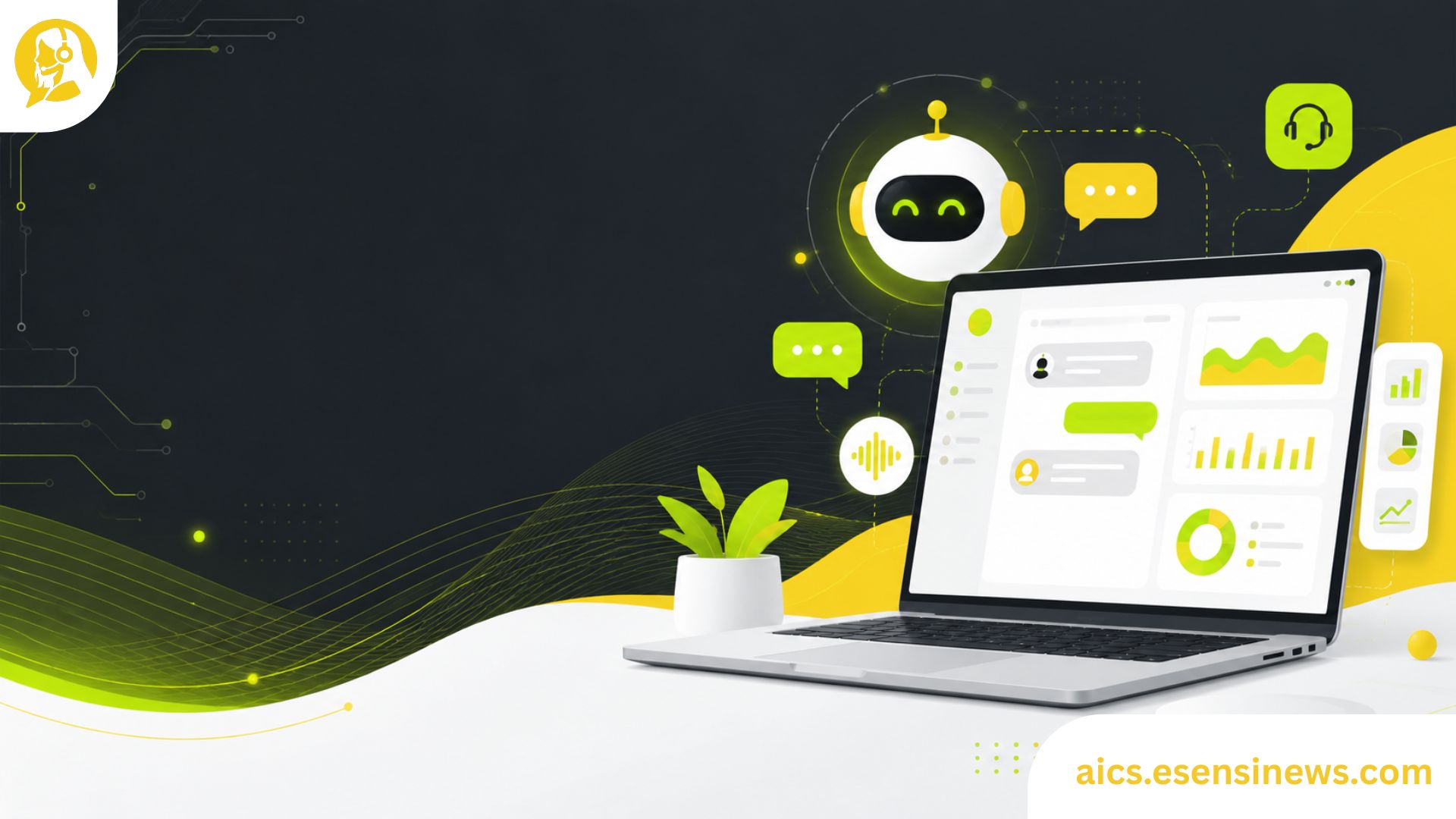
Let’s be real running a contact center is tough. Your agents are juggling dozens of conversations, customers expect instant answers, and your team is always one bad Monday away from burnout. Sound familiar?
That’s exactly where contact center AI solutions come in. These tools aren’t just buzzwords from a tech conference they’re practical, real-world systems that help your team work smarter, not harder. Whether you’re handling thousands of daily tickets or managing a lean support crew, AI can genuinely change how your contact center operates.
In this article, you’ll get a clear, no-fluff breakdown of what contact center AI actually does, which features matter most, how to avoid common mistakes, and how to pick the right solution for your team. Let’s dig in.
What Are Contact Center AI Solutions, Really?
At its core, AI for contact centers refers to software tools that use artificial intelligence things like machine learning, natural language processing (NLP), and automation to help support teams handle customer interactions more efficiently.
Think of it this way: instead of having one agent manually routing calls, typing out templated replies, or scrolling through a knowledge base mid-conversation, AI handles that background work automatically. Your agents can focus on the conversations that actually need a human touch.
The Core Technologies Behind It
Here’s a quick rundown of the tech you’ll typically find inside these platforms:
- Natural Language Processing (NLP): Helps AI understand what customers are saying not just keywords, but actual intent and sentiment.
- Machine Learning (ML): The system gets smarter over time by learning from past interactions.
- Conversational AI / Chatbots: Automated virtual agents that handle common queries 24/7.
- Intelligent Call Routing: Matches customers to the right agent based on issue type, language, or history.
- Real-Time Agent Assist: AI listens in and suggests responses or articles to agents while they’re on a live call.
- Sentiment Analysis: Detects when a customer is frustrated and flags it so a human can step in.
Why Your Contact Center Needs AI (and Why It Matters Now)
Customer expectations have never been higher. People want fast answers, personalized service, and they definitely don’t want to repeat their problem three times to three different agents. AI helps close that gap fast.
Here’s what modern contact center AI solutions can deliver:
1. Faster Response Times
AI-powered chatbots can instantly handle repetitive questions password resets, order status, billing inquiries without any agent involvement. That alone can cut your average handle time (AHT) significantly.
2. 24/7 Availability Without Extra Headcount
You can’t always staff a team around the clock. But an AI virtual agent? It’s always on. This means your customers in different time zones still get help when they need it.
3. Better Agent Performance
Real-time agent assist tools give your reps instant access to suggested answers, relevant knowledge base articles, and even next-best-action prompts all without leaving the conversation window. Less searching. More solving.
4. Reduced Agent Burnout
By offloading repetitive tasks to AI, your human agents can focus on complex, meaningful interactions. This typically leads to higher job satisfaction and lower turnover. Win-win.
5. Data-Driven Insights
AI doesn’t just handle conversations it analyzes them. You get detailed reports on common pain points, agent performance trends, peak hours, and customer sentiment patterns. That’s gold for your CX strategy.
Key Features to Look For in a Contact Center AI Platform
Not all AI tools are built the same. Here’s what to actually look for when evaluating your options:
Omnichannel Support
Your customers contact you through email, chat, phone, social media, and SMS. A solid AI solution should work across all those channels seamlessly not just one.
CRM Integration
The AI should connect with your existing CRM (like Salesforce, HubSpot, or Zendesk) so agents always have full customer context without switching between tabs.
Customizable Workflows
Out-of-the-box is fine to start, but you’ll want the flexibility to customize conversation flows, routing logic, and escalation rules to match your specific business needs.
Real-Time Analytics Dashboard
Live dashboards help supervisors monitor ongoing interactions, flag issues before they escalate, and make quick staffing decisions based on actual queue data.
Language and Localization Support
If you’re serving a global audience, multi-language support is a must. Look for platforms that handle regional dialects and cultural nuances, not just basic translation.
Compliance and Security
Especially in industries like finance, healthcare, or e-commerce your AI platform must be compliant with GDPR, HIPAA, CCPA, or whatever regulations apply to your business.
Top Contact Center AI Solutions Worth Knowing in 2026
Here’s a look at some platforms that are making waves right now:
| Platform | Best For | Notable Feature |
|---|---|---|
| Google CCAI | Enterprise scale | NLP + Dialogflow integration |
| Amazon Connect | AWS-heavy stacks | Built-in ML, Pay-as-you-go |
| Salesforce Einstein | CRM-first teams | Deep Salesforce native integration |
| Zendesk AI | SMB to mid-market | Easy setup, strong ticketing AI |
| Five9 Intelligent CX | Voice-heavy centers | Predictive dialer + AI coaching |
| NICE CXone | Omnichannel CX | Workforce optimization + AI assist |
Each of these has its own strengths the right one depends on your team size, tech stack, and budget.
Common Mistakes Teams Make When Implementing AI
Okay, here’s the part most vendors won’t tell you. AI can absolutely fail if you implement it wrong. Here are the most common pitfalls to avoid:
Mistake #1: Automating Too Much, Too Fast
It’s tempting to let AI handle everything. But jumping straight to full automation without proper testing leads to frustrated customers who feel like they’re talking to a wall. Start small. Automate one workflow, measure results, then expand.
Mistake #2: Ignoring Agent Buy-In
Your agents might see AI as a threat to their jobs. Spoiler: it’s not. But if you don’t explain that clearly and involve them in the process, resistance will slow your rollout to a crawl. Bring your team along for the journey.
Mistake #3: Poor Training Data
AI is only as smart as the data you feed it. If your knowledge base is outdated, your chatbot will give outdated answers. Keep your content fresh and updated regularly.
Mistake #4: No Human Escalation Path
AI should always have a clear escalation path to a human agent. If a customer gets stuck in a chatbot loop with no exit, that’s a churn risk waiting to happen.
Mistake #5: Skipping the Measurement Phase
If you’re not tracking KPIs like containment rate, CSAT scores, first contact resolution (FCR), and AHT before and after AI implementation you’re flying blind. Define your success metrics upfront.
Practical Tips for Getting Started
Ready to give AI a real shot in your contact center? Here’s a simple roadmap:
- Audit your current contact volume What are the top 10 most common customer questions? Those are your automation candidates.
- Set a clear goal Is it reducing AHT? Improving CSAT? Cutting costs? Pick a north star metric.
- Start with one channel Don’t try to go omnichannel on day one. Start with chat or email.
- Pilot with a small team Test with a subset of agents or one customer segment before full rollout.
- Gather feedback constantly Fom agents AND customers. Both sides of the conversation matter.
- Iterate and improve AI implementations are never “done.” They improve with time and attention.
The Pros and Cons of Contact Center AI (Honest Take)
✅ The Upside
- Significant reduction in operational costs
- Faster resolution times for common issues
- Scalable handles volume spikes without extra hiring
- Consistent service quality around the clock
- Rich data insights for strategic decisions
⚠️ The Challenges
- Initial setup cost can be significant for smaller teams
- Requires ongoing maintenance and data updates
- Risk of poor customer experience if not implemented carefully
- Integration complexity with legacy systems
- Employee resistance if change management is neglected
FAQ: Contact Center AI Solutions
Q1: What is a contact center AI solution? A contact center AI solution is a software platform that uses artificial intelligence including NLP, machine learning, and automation to help customer service teams handle interactions faster, more efficiently, and at scale. It can include chatbots, virtual agents, real-time agent assist tools, and analytics dashboards.
Q2: How does AI improve customer experience in a contact center? AI improves CX by delivering faster response times, routing customers to the right agent immediately, personalizing interactions using past data, and enabling 24/7 support through virtual agents all without making customers feel like they’re talking to a robot.
Q3: Is contact center AI only for large enterprises? Not at all. Many platforms offer scalable pricing that works for small and mid-sized businesses too. Platforms like Zendesk AI or Intercom are popular with growing teams because they’re accessible and easy to deploy without a massive IT team.
Q4: Will AI replace human agents in a contact center? AI won’t replace human agents it empowers them. Routine tasks get automated so agents can focus on complex, emotional, or high-value conversations where empathy and judgment really matter. Think of AI as your agents’ smartest coworker, not their replacement.
Q5: How long does it take to implement a contact center AI solution? It depends on complexity, but a basic chatbot or routing automation can be up and running in a few weeks. Full omnichannel AI integration with custom workflows and CRM connections can take 2–6 months. Starting small speeds up the process significantly.
Q6: What KPIs should I track after implementing AI in my contact center? Focus on these core metrics: Average Handle Time (AHT), First Contact Resolution (FCR), Customer Satisfaction Score (CSAT), Net Promoter Score (NPS), Bot Containment Rate, and Agent Utilization Rate. These will tell you if your AI is actually working.
Conclusion
Contact center AI solutions aren’t the future they’re the present. Teams that figure out how to use AI effectively right now are already pulling ahead of competitors who are still doing things the old way.
The key is to be strategic about it. Start with clear goals, pick a platform that fits your team’s reality, involve your agents in the process, and never stop measuring. AI works best when it’s supporting your people not replacing them.
Whether you’re a team of 10 or 10,000, there’s a contact center AI solution out there that can help you deliver faster, smarter, more human customer experiences. And honestly? Your customers will notice the difference.
If this article gave you a clearer picture of where AI fits in your contact center awesome, that’s exactly the goal!
Here’s what you can do next:
- 📌 Bookmark this page so you can reference it when you’re evaluating platforms.
- 📣 Share it with your team especially your CX manager or IT lead who’s in the evaluation process.
- 🔍 Explore related reads on topics like omnichannel customer experience, AI chatbot best practices, and how to measure contact center performance.
- 💬 Drop a comment or question we’d love to hear what challenges your team is facing and what’s worked for you.
No pressure, no hard sell. Just solid info to help you make the right call for your team. 🙌


Leave a Reply