
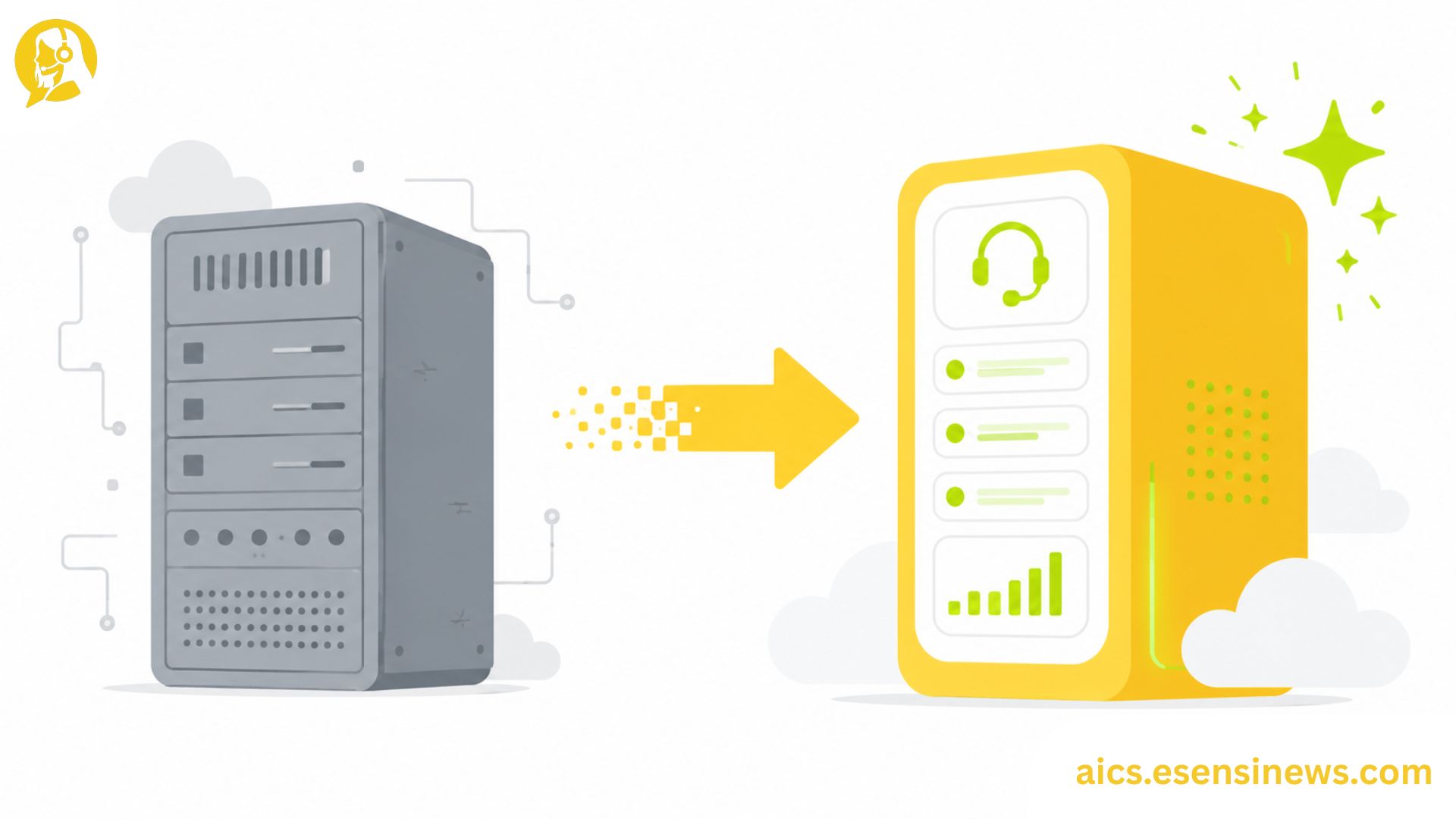
For most IT leaders evaluating call center AI software, the conversation isn’t really about starting from scratch. It’s about what to do with the system you already have: aging IVR infrastructure, an on-premise ACD platform that’s been running for eight years, or a patchwork of telephony tools that barely integrate with each other. Replacing that setup with modern AI call center software is a very different challenge from a greenfield deployment, and most vendor implementation guides don’t give it the attention it deserves.
Legacy call center environments carry specific complications that newer deployments don’t face. Historical call data that needs to migrate or be archived. Custom IVR flows built over years that need to be rebuilt or translated. Telephony integrations that predate API-first architectures. Agents who’ve built muscle memory around systems that are about to change entirely. Navigating all of this while keeping the floor running is what makes legacy migration the most technically demanding version of a call center AI software rollout.
This guide walks through what makes call center AI software migration from legacy systems different, the key planning decisions that determine how smooth the transition goes, and how to manage the cutover without disrupting daily operations.
What Makes Legacy Call Center Migration Different From a New Deployment
When an organization deploys call center AI software for the first time, they’re building something new. When they’re replacing an existing system, they’re dealing with three additional challenges that don’t exist in a greenfield scenario.
1. Existing Data and Configuration That Can’t Just Disappear
Legacy call center systems contain years of IVR routing logic, call scripting, queue configurations, and in some cases historical call recordings and transcripts. Some of this needs to migrate to the new system. Some needs to be archived in a way that remains accessible for compliance or QA purposes. And some genuinely needs to be rebuilt from scratch in the new environment rather than directly ported.
2. Parallel Running Requirements
Most organizations can’t simply switch off the old system on a Monday morning and switch on the new one. The cutover period typically requires running both systems simultaneously, which introduces cost overlap, complexity for agents, and careful traffic management during the transition.
3. Agent Familiarity Disruption
Agents who’ve been working with the same interface for years face a steeper learning curve than those coming to a new system fresh. This affects productivity during transition and requires more structured change management than a new deployment typically demands.
Pre-Migration Planning: The Decisions That Matter Most
Audit and Categorize Your Existing System Components
Before selecting call center AI software or planning the migration timeline, conduct a thorough audit of what the legacy system actually contains:
- All active IVR flows with documented logic
- Current routing rules and queue configurations
- Historical data volumes and formats
- Integration points with other systems (CRM, WFM, QA tools)
- Any custom scripts, reports, or workflows built on top of the core platform
This audit almost always surfaces complexity that wasn’t expected, which is better to discover during planning than mid-migration.
Categorize Components Into Migrate, Rebuild, and Retire
Not everything in a legacy system should be ported directly to the new one. Using three categories helps clarify the scope:
- Migrate: Data and configurations that can be transferred directly with reasonable effort
- Rebuild: Functionality that needs to be recreated in the new system architecture rather than ported
- Retire: Legacy features, flows, or configurations that are no longer needed and shouldn’t carry forward
Getting this categorization right before migration starts significantly reduces scope creep and timeline surprises.
Define Your Data Retention and Archiving Strategy
Historical call recordings, transcripts, and interaction data often have compliance-driven retention requirements. Before migrating, confirm: what needs to stay accessible in the new system, what needs to be archived externally, and what can be deleted in accordance with your data retention policy.
Choosing a Migration Approach
There are three main approaches to migrating from legacy call center software to an AI-powered replacement, each with different risk profiles.
Big Bang Cutover
All traffic switches from the old system to the new system on a defined date. Cleanest in terms of eliminating parallel running costs, but highest risk if the new system experiences unexpected issues at full production volume.
Best for: Smaller operations where full parallel running is impractical, or where the legacy system costs make extended overlap unsustainable.
Phased Migration by Queue or Channel
Different call queues, channels, or agent groups migrate in planned waves over a period of weeks or months. Reduces risk by limiting exposure at each wave, though it extends the period of parallel running complexity.
Best for: Mid-to-large contact centers where controlled risk management outweighs the cost of extended overlap.
Parallel Running With Traffic Split
A defined percentage of traffic routes to the new system, gradually increasing as confidence builds, while the remainder stays on the legacy system. Provides real production validation before full cutover.
Best for: Organizations that want to validate new system performance under real load before committing to full traffic.
Managing the Cutover
Pre-Cutover Checklist
- All IVR flows tested in the new environment
- Agent training completed for all affected shifts
- Rollback plan documented and tested
- Monitoring and alerting configured for the new system
- On-call support roster confirmed for the cutover period
- Legacy system access maintained in standby for rollback if needed
The Rollback Plan Is Not Optional
Every migration plan should include a documented, tested rollback procedure. Knowing exactly how to revert to the legacy system within a defined time window if critical issues emerge at cutover is what separates a manageable incident from a floor-wide crisis.
Post-Cutover Stabilization
Plan for at least two to four weeks of heightened monitoring after cutover, with daily reporting on key metrics compared to legacy system baselines. Performance differences during this period are expected and should be documented rather than immediately treated as failures.
Pros and Cons of Migrating to Call Center AI Software
Pros ✅
- Eliminates legacy system maintenance costs, which often grow as platforms age
- Enables AI capabilities that simply aren’t available on older infrastructure
- Improves integration flexibility as modern API-first systems connect more easily with current tools
- Reduces technical debt accumulated on systems built for a different era of customer service
- Sets the foundation for continuous improvement through modern analytics and AI
Cons ❌
- Migration complexity is often underestimated, particularly in mature legacy environments
- Parallel running costs can be significant during the transition period
- Agent productivity dips during the transition are expected and should be planned for
- Hidden legacy dependencies often surface mid-migration that weren’t captured during audit
- Data migration quality varies, and historical data that doesn’t migrate cleanly can affect reporting accuracy
Practical Tips for a Smoother Legacy Migration
- Start the legacy system audit before vendor selection, so you know exactly what you’re migrating before you commit to a platform.
- Build the audit findings into your RFP, so vendor responses reflect your actual migration complexity, not a generic deployment.
- Add a migration complexity buffer to your timeline, typically 20-30% beyond initial estimates, especially for systems with many custom configurations.
- Negotiate migration support explicitly in the vendor contract, including who is responsible for IVR flow translation and data migration QA.
- Run a full dress rehearsal of the cutover process in a staging environment before the production cutover date.
Common Mistakes IT Teams Make During Legacy Migration
- Underestimating the audit scope, leading to mid-migration discoveries that derail the timeline
- Skipping the rollback plan, which turns a manageable issue into a floor-wide escalation
- Moving too fast from legacy system audit to vendor selection, before the migration scope is fully understood
- Not involving telephony and network teams early enough, since call center migrations often have infrastructure dependencies beyond the software layer
- Treating parallel running as temporary but not budgeting for it, since overlap costs frequently run longer than planned
FAQ: Call Center AI Software Migration
1. How long does a typical legacy call center AI software migration take? Migration timelines vary significantly by complexity, but most mid-sized operations should plan for three to nine months from planning to stable post-cutover operation.
2. What data typically needs to migrate when replacing call center software? Routing logic, IVR flows, queue configurations, and agent scripts typically need to be rebuilt or migrated. Historical recordings often need to be archived externally rather than migrated directly.
3. What’s the safest migration approach for a large call center? A phased migration by queue or channel, combined with a documented rollback plan, generally provides the best balance of risk management and operational continuity.
4. Do vendors help with IVR flow migration from legacy systems? Many offer migration support as a professional services engagement, but the scope and quality varies significantly. Clarify this explicitly during vendor evaluation.
5. How do you handle agent training during a legacy migration? Role-specific training completed before cutover, combined with a stabilization support period immediately after go-live, helps manage productivity dips during the transition.
6. What happens to historical call data when replacing call center software? This depends on your data retention requirements. Most organizations archive historical recordings externally and migrate only recent or active data to the new system.
7. What’s the biggest risk in a call center legacy migration? Inadequate audit of the legacy system, combined with no documented rollback plan, creates the highest risk of a migration that becomes a floor-wide incident rather than a managed transition.
Conclusion
Migrating from legacy infrastructure to modern call center AI software is one of the more complex IT projects a contact center can undertake, but it’s also one of the most impactful. The organizations that navigate it well tend to share a few things in common: they audit thoroughly before committing to a timeline, they plan for parallel running costs honestly, and they treat the rollback plan as non-negotiable rather than optional.
The takeaway? Don’t let the excitement of new AI capabilities cause you to rush the foundation work. A migration built on a thorough audit, realistic timeline, and tested rollback plan is far more likely to land cleanly than one that races to go-live.
Ready to Start Your Migration Planning?
If this guide gave you a clearer framework, start with the legacy system audit this week, before any vendor conversations go further. Know another IT leader navigating a legacy call center replacement? Share this with them. And if you’re planning to explore more call center technology migration strategies, bookmark this page so it’s easy to find again. Here’s to a migration that goes live without becoming a war story.


Leave a Reply