

So your team is finally ready to start using AI for customer service, but nobody really knows where to begin. Sound familiar? You’re definitely not alone. A lot of CX managers know AI can help, but the jump from “we should use AI” to “here’s exactly how our team uses it every day” feels like a big, confusing gap.
The truth is, using AI for customer service isn’t just about picking a tool and flipping a switch. It’s about changing how your team works, day to day, without making agents feel replaced or customers feel like they’re talking to a wall. That part gets overlooked a lot, and it’s usually where rollouts go sideways.
This guide skips the hype and gets practical. We’ll walk through what using AI for customer service actually looks like in daily workflows, who needs to be involved, a step-by-step roadmap to get started, and the skills your team will need to make it work smoothly.
What Does Using AI for Customer Service Actually Look Like?
It’s easy to picture AI as just a chatbot on your website, but in reality, using AI for customer service touches a lot more of the daily workflow than most people expect.
Real Scenarios Where AI Shows Up Day to Day
- Email triage: AI scans incoming emails, tags urgency, and routes them to the right queue before an agent even opens the inbox.
- Live chat assistance: While an agent is mid-conversation, AI quietly suggests a reply or pulls up a relevant help article in the sidebar.
- Social media monitoring: AI flags negative sentiment in comments or DMs so your team can jump on it before it escalates publicly.
- Internal knowledge search: Instead of digging through outdated wikis, agents type a quick question and AI surfaces the most relevant internal doc instantly.
Think of it like having a sharp assistant sitting next to every agent, not doing the work for them, but making sure they’re never starting from scratch.
Who Should Be Involved When You Start Using AI for Customer Service
One of the biggest mistakes teams make is treating AI adoption as a purely technical rollout. In reality, it works best as a team effort from day one.
1. CX Managers
You’ll set the vision, choose the pilot use case, and make sure the rollout actually solves a real problem instead of just adding new software for the sake of it.
2. Frontline Agents
Agents are the ones who’ll use this tool every single day, so their early feedback is gold. They’ll spot awkward phrasing, missing context, or gaps the AI can’t handle long before any dashboard report will.
3. IT or Operations Support
Someone needs to handle integrations, permissions, and the technical side of connecting AI tools to your existing helpdesk or CRM.
4. Customers (Yes, Really)
Keep an eye on how customers react during the pilot phase. Are they engaging naturally, or do they seem confused and frustrated? Their behavior tells you a lot about whether the experience feels right.
A Practical Roadmap: How to Start Using AI for Customer Service
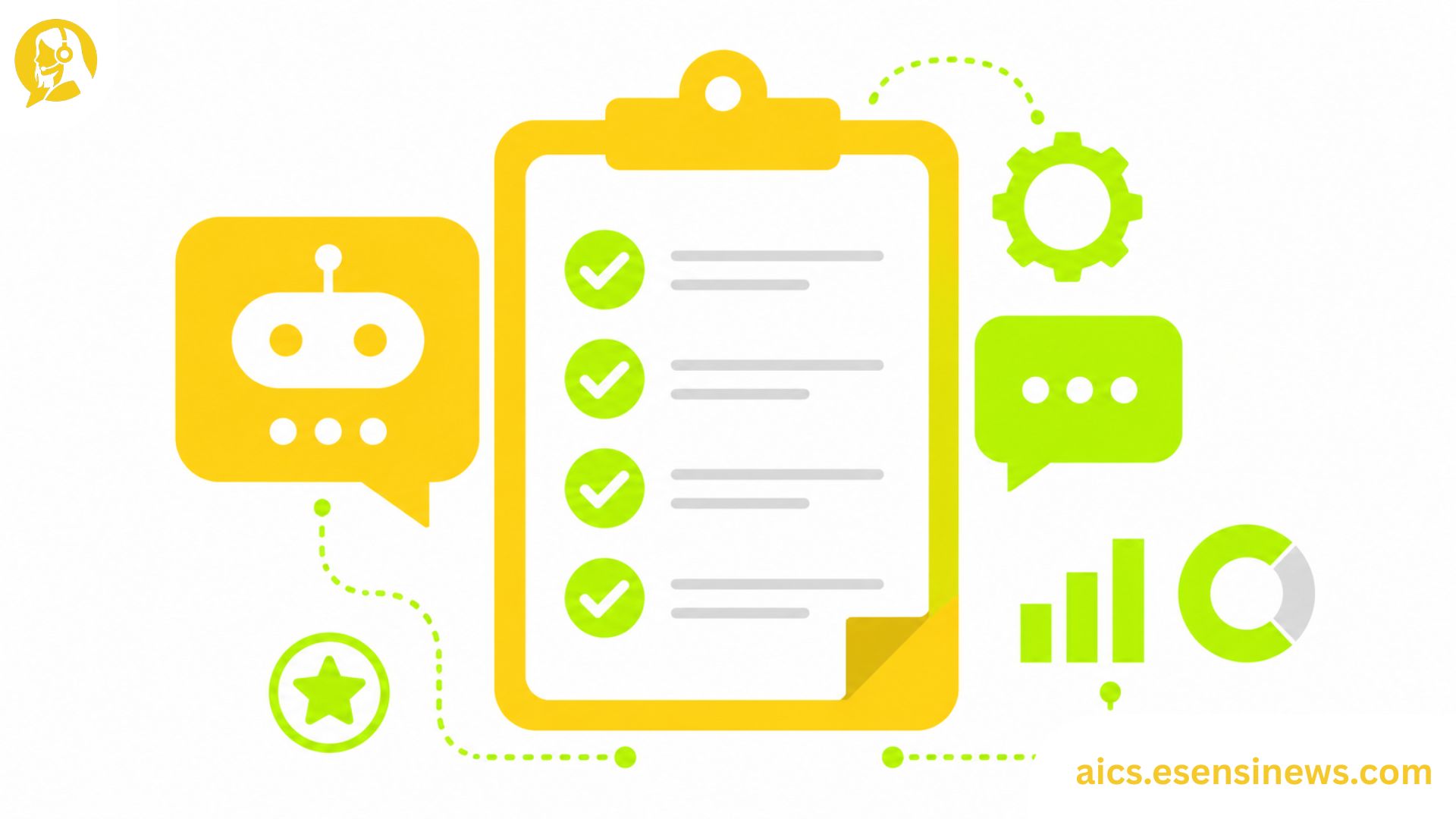
Here’s a straightforward, eight-step approach that works well for most support teams getting started.
- Identify your biggest time-drain. Look at where agents spend the most repetitive, low-value time, like answering the same five questions over and over.
- Choose one pilot channel. Don’t try email, chat, and social all at once. Pick the channel with the clearest, most repetitive use case first.
- Set clear guardrails. Decide upfront what AI is and isn’t allowed to handle on its own, especially around refunds, sensitive data, or policy exceptions.
- Train your agents on how to work with it. This isn’t just a tool announcement. Show agents exactly how to review, edit, or override AI suggestions.
- Run a soft launch with a small group. Test with a handful of agents or a limited customer segment before rolling out company-wide.
- Collect feedback from both sides. Ask agents what felt clunky and check customer satisfaction scores during the pilot window.
- Adjust based on real conversations. Use actual transcripts to fine-tune tone, accuracy, and escalation triggers.
- Scale gradually, channel by channel. Once one area is running smoothly, expand to the next, rather than launching everything at once.
Skills Your Team Needs When Using AI for Customer Service
Bringing AI into the workflow doesn’t mean agents need less skill, it actually means they need a slightly different set of skills.
Reviewing and Editing AI Suggestions
Agents need to quickly judge whether an AI-suggested response is accurate and on-brand, then tweak it before sending. This takes practice and a bit of healthy skepticism toward “good enough” answers.
Knowing When to Override AI Entirely
Not every conversation should be AI-assisted. Agents need confidence to step away from suggestions when a customer is upset, confused, or dealing with something AI clearly can’t read correctly.
Writing Clear Internal Notes for AI Training
When agents flag a bad AI response, the way they document it matters. Clear, specific notes help whoever maintains the system fix the issue faster.
Staying Empathetic, Not Robotic
Ironically, leaning on AI for the repetitive stuff should free up agents to bring more warmth and personality to the conversations that actually need it.
Pros and Cons of Using AI for Customer Service
Pros ✅
- Speeds up repetitive tasks, giving agents more time for complex issues
- Reduces onboarding time for new agents who can lean on AI suggestions early on
- Improves consistency across responses, especially for policy-related answers
- Helps surface insights from large volumes of conversation data
- Supports 24/7 coverage without requiring a full overnight team
Cons ❌
- Can feel disruptive at first if agents aren’t properly trained or included in the rollout
- Requires ongoing fine-tuning as products, policies, and FAQs change
- May produce inaccurate suggestions if trained on outdated or incomplete data
- Risk of over-reliance, where agents stop double-checking AI suggestions carefully
- Needs clear escalation rules, or customers may get stuck in unhelpful loops
Practical Tips for Day-to-Day AI Use
- Treat AI suggestions as a draft, not a final answer. A quick scan before sending catches most issues early.
- Keep a running list of “AI fails.” Share these in team meetings to spot patterns and improve training data.
- Use AI for the first reply, not the whole conversation. This keeps interactions efficient without losing the human thread.
- Set a regular check-in rhythm. Even fifteen minutes weekly to review flagged conversations adds up over time.
- Celebrate small wins early. When AI saves real time on a tough day, point it out. It helps build trust across the team.
Common Mistakes Teams Make When Using AI for Customer Service
- Rolling it out without training agents first, leading to confusion and pushback
- Trusting AI suggestions blindly, instead of treating them as a helpful starting point
- Ignoring agent feedback during the pilot phase, which usually surfaces the most useful fixes
- Forgetting to update AI knowledge as policies change, causing outdated or incorrect responses
- Launching across every channel at once, instead of starting small and expanding gradually
FAQ: Using AI for Customer Service
1. How do I start using AI for customer service on a small team? Start with one repetitive use case, like FAQ responses on a single channel, before expanding to other areas.
2. Do agents need technical skills to use AI tools? Not usually. Most platforms are built for non-technical users, though agents do need training on reviewing and editing AI suggestions.
3. Will using AI for customer service slow down my team at first? There’s often a short learning curve, but most teams see efficiency gains within a few weeks once agents get comfortable.
4. How do I get agents on board with using AI tools? Involve them early, explain how AI supports rather than replaces their role, and ask for their feedback during the pilot phase.
5. What’s the safest way to start using AI for customer service? Begin with low-risk, repetitive tasks and always keep a clear path for customers to reach a human agent.
6. How often should AI responses be reviewed and updated? A weekly or biweekly review works well for most teams, especially right after launch.
7. Can small businesses realistically use AI for customer service? Yes. Many tools offer scalable pricing, making it accessible even for small teams without a big budget.
Conclusion
Using AI for customer service isn’t about flipping a switch and hoping for the best. It’s a gradual process that works best when your whole team, from managers to frontline agents, is involved from the start. When you pick the right pilot use case, train your team properly, and keep humans in the loop, AI becomes a genuine time-saver instead of just another tool collecting dust.
The biggest takeaway? Start small, stay hands-on, and let real conversations guide your next steps. That’s how using AI for customer service actually sticks long-term.
Ready to Get Your Team Started?
If this guide gave you a clearer starting point, pick one use case from the roadmap and map it out for your team this week. Know another CX manager figuring out the same thing? Send this their way. And if you’re planning to explore more practical AI strategies for support teams, bookmark this page so it’s easy to find again. Here’s to a smoother rollout and a team that actually enjoys working with AI, not around it.


Leave a Reply