
You’ve probably talked to a conversational AI for customer support that felt genuinely smooth, like it actually understood what you needed. And you’ve probably also talked to one that felt clunky, repeated itself, or completely missed the point. The difference between those two experiences almost never comes down to the underlying technology. It comes down to design.
A lot of CX teams assume that once they pick a good conversational AI platform, the hard part is done. In reality, the platform is just the engine. How well it actually performs depends heavily on how the conversation flows are mapped out, how fallback moments are handled, and how closely the tone matches what your customers expect.
This guide focuses on that design side of things. We’ll walk through the core building blocks of a well-designed conversational AI experience, a practical process for mapping out your own flows, and how to test and refine things once it’s live.
What Makes Conversational AI for Customer Support Feel “Conversational”?
Here’s the thing: conversational AI for customer support isn’t just about understanding words, it’s about understanding flow. A genuinely conversational experience remembers what was said two messages ago, handles a slightly off-topic question gracefully, and doesn’t make the customer feel like they’re filling out a form one line at a time.
Good design is what turns “technically functional” into “actually pleasant to use.” And for CX teams, that distinction directly affects whether customers stick with the automated flow or bail out frustrated and demand a human agent immediately.
The Building Blocks of Good Conversational AI Design
1. Intent Mapping
Before writing a single line of dialogue, you need a clear map of what customers are actually trying to accomplish. Group similar questions together (like “where’s my order,” “when will it arrive,” and “did my order ship yet”) under a single intent, so the AI recognizes them as variations of the same request.
2. Persona and Tone
Decide early on what your conversational AI should sound like. Is it warm and casual, or more formal and precise? This should match your brand voice closely, since a mismatch feels jarring to customers who are used to a certain tone from your other channels.
3. Fallback and Error Handling
No system understands everything perfectly. A well-designed fallback response acknowledges the gap honestly (“I’m not totally sure I caught that, can you rephrase?”) instead of looping the same generic message over and over.
4. Multi-Turn Conversation Flow
Real conversations rarely resolve in one exchange. Good design accounts for follow-up questions, clarifications, and context that needs to carry through several messages without the customer having to repeat themselves.
How to Design a Conversational AI Flow for Customer Support
Here’s a practical, step-by-step process most CX teams can follow when building or refining their conversational AI flows.
- Pull your most common support tickets. Look at the last few months of conversation history to identify recurring questions and patterns.
- Group questions into clear intents. Combine similar phrasings under single, well-defined categories.
- Draft the actual conversation script. Write out sample exchanges the way a skilled human agent would naturally respond, not in stiff, robotic phrasing.
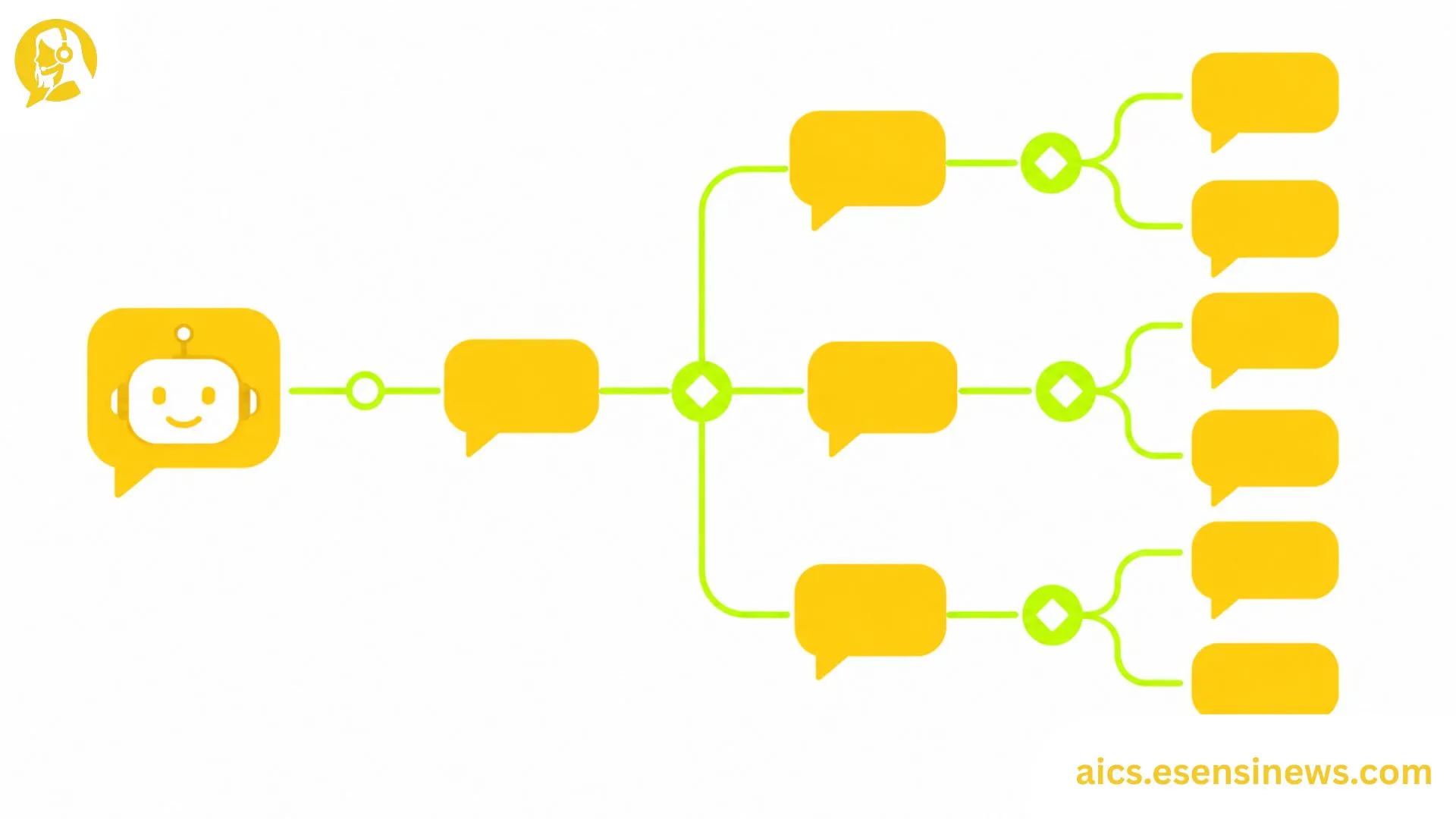
- Map out branching paths. Account for follow-up questions, edge cases, and the points where a human handoff should happen.
- Build in graceful exits. Always give customers a clear, easy way to reach a human agent if the conversation isn’t going well.
- Run it past real agents before launch. Frontline agents often catch awkward phrasing or missing scenarios that look fine on paper but feel off in practice.
Testing and Optimizing Your Conversational AI
Watch for Drop-Off Points
Look at where customers abandon the conversation or repeat themselves. These are usually signs that the flow is confusing, the tone feels off, or the AI is misunderstanding intent at that specific step.
Test Different Tones With Real Users
Sometimes a small wording change, like swapping “I didn’t understand that” for “let me make sure I’ve got this right,” makes a noticeable difference in how customers respond.
Review Transcripts Regularly
Set a recurring cadence, weekly or biweekly, to read through real conversation transcripts. This is one of the best ways to catch design gaps that automated analytics might miss entirely.
A Simple Analogy
Think of conversation design like mapping out a hiking trail. You can build the most scenic path in the world, but if there’s no clear sign at the fork in the road, hikers will wander off course. Good fallback handling and clear branching are essentially the trail signs that keep customers moving in the right direction.
Pros and Cons of Investing in Conversational AI Design
Pros ✅
- Reduces customer frustration by minimizing repeated or confusing exchanges
- Increases self-service success rates, since well-designed flows resolve more issues without escalation
- Strengthens brand consistency when tone is carefully matched to your voice
- Makes troubleshooting easier, since clear intent mapping simplifies future updates
- Improves agent handoffs, since context carries through cleanly when a human does need to step in
Cons ❌
- Takes real time upfront, since good design isn’t something you can rush through in an afternoon
- Requires ongoing refinement, as customer language and needs shift over time
- Needs cross-team input, which can slow things down if stakeholders aren’t aligned early
- Can still misfire on highly unusual phrasing, even with careful design
- Easy to over-engineer, building overly complex flows for relatively simple use cases
Practical Tips for Better Conversational AI Design
- Start with your top five most common questions, not your full ticket backlog. Smaller scope means faster, cleaner iteration.
- Write dialogue out loud before finalizing it. If it sounds stiff when spoken, it’ll probably read stiff too.
- Build a glossary of preferred and avoided phrases. This keeps tone consistent as more people contribute to the script over time.
- Always test the worst-case scenario, not just the happy path. How the AI handles a frustrated customer matters just as much as how it handles an easy question.
- Loop in agents for ongoing feedback, not just during the initial design phase.
Common Mistakes Teams Make When Designing Conversational AI
- Skipping intent mapping and jumping straight into writing scripts, which leads to messy, overlapping flows
- Ignoring tone consistency, making the AI feel disconnected from the rest of the brand experience
- Underbuilding fallback responses, leaving customers stuck in repetitive loops
- Designing only for the ideal customer journey, without accounting for confused or frustrated users
- Never revisiting the design after launch, even as customer language and needs naturally shift
FAQ: Conversational AI for Customer Support
1. What’s the difference between conversational AI and a basic chatbot script? Conversational AI is built to handle flexible, multi-turn conversations using natural language understanding, while basic chatbot scripts rely on rigid keyword or button-based flows.
2. How long does it take to design a good conversational AI flow? It varies, but most teams should budget several weeks for mapping intents, drafting scripts, and testing before a confident launch.
3. Do I need a dedicated conversation designer for this? Not necessarily, but having someone with strong writing and UX instincts involved makes a noticeable difference in quality.
4. How often should conversational AI flows be updated? Reviewing transcripts and making updates monthly or quarterly is a reasonable cadence for most growing support teams.
5. What’s the most common reason conversational AI flows fail? Weak fallback handling is one of the biggest culprits, since it leaves customers stuck when the AI doesn’t understand their request.
6. Can small support teams design effective conversational AI without big budgets? Yes. Starting with your top few common questions and refining gradually works well even with limited resources.
7. How do I know if my conversational AI design needs improvement? High drop-off rates, repeated customer frustration in transcripts, or frequent escalations are all clear signs it’s time to revisit the design.
Conclusion
Conversational AI for customer support is only as good as the design behind it. The technology can be impressive, but without thoughtful intent mapping, consistent tone, and solid fallback handling, even the best platform will feel clunky to your customers. Good design is what turns an automated conversation into one that actually feels helpful.
The takeaway here? Start small, map your most common questions first, test with real conversations, and keep refining as you go. That’s how conversational AI for customer support goes from “technically working” to genuinely making your CX team’s job easier.
Ready to Improve Your Conversational AI Flows?
If this guide gave you a clearer starting point, pick your top five most common support questions and try mapping out a flow this week using the steps above. Know another CX manager who’s been wrestling with clunky chatbot conversations? Share this with them. And if you’re planning to dig deeper into AI-driven CX strategies, bookmark this page so it’s easy to find again. Here’s to smoother conversations and fewer frustrated customers.


Leave a Reply