
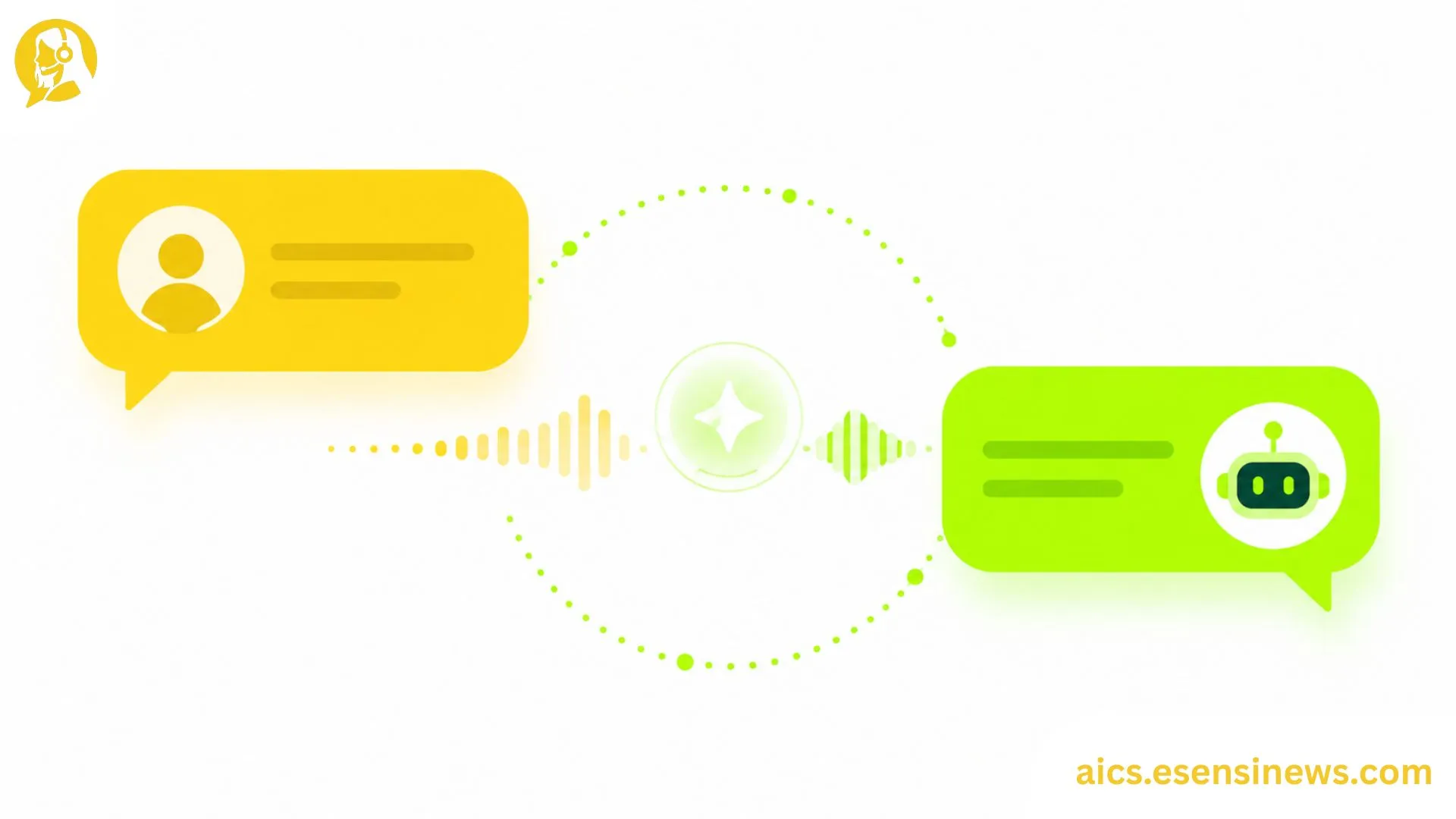
If you’ve ever chatted with a support bot that actually understood what you meant, even when you typed something messy or used slang, that’s conversational AI for customer service in action. It’s a big step up from the old “click a button to choose an option” chatbots that frustrated more customers than they helped.
For CX teams and managers, conversational AI isn’t just another buzzword to add to the tech stack. It’s becoming the backbone of how support teams handle high ticket volumes while still keeping conversations feeling natural and human. Customers don’t want to feel like they’re talking to a wall of pre-set menus. They want answers that actually match what they’re asking.
In this guide, we’ll walk through what conversational AI for customer service really means, how it’s different from basic automation, the pros and cons your team should weigh, and practical tips to implement it without losing the human touch your customers still expect.
What Is Conversational AI for Customer Service?
Breaking Down the Basics
Conversational AI refers to technology that uses natural language processing (NLP) and machine learning to understand, interpret, and respond to human language in a way that feels like a real conversation. Unlike older rule-based bots that only recognize exact keywords, conversational AI can pick up on context, intent, and even tone.
Think of it like the difference between a vending machine and a barista. A vending machine only works if you press the exact right button. A barista, on the other hand, can understand “something warm and not too sweet” and figure out what you probably mean. Conversational AI aims to be the barista, not the vending machine.
Why It’s a Big Deal for CX Teams
Customer expectations have shifted. People want fast, accurate answers, and they want it without repeating themselves three times to three different agents. Conversational AI helps CX teams by:
- Understanding natural, free-form customer messages instead of rigid keyword triggers
- Handling multi-turn conversations, where the system remembers earlier context in the chat
- Reducing the back-and-forth that usually frustrates customers and slows down resolution time
- Freeing up human agents to focus on complex, emotionally sensitive, or high-value interactions
How Conversational AI Differs From Traditional Chatbots
A lot of teams still confuse conversational AI with basic chatbots, but the two work very differently.
| Feature | Traditional Chatbot | Conversational AI |
|---|---|---|
| Understanding | Keyword or button-based | Context and intent-based |
| Conversation flow | Linear, scripted | Flexible, multi-turn |
| Learning ability | Static, manual updates | Improves over time with data |
| Tone matching | Fixed, robotic | Adaptable, more natural |
If your current chatbot only works when customers type exactly the right phrase, you’re likely dealing with a traditional rule-based system, not true conversational AI.
Key Use Cases for Conversational AI in Customer Service
1. Handling High-Volume, Repetitive Questions
Order tracking, password resets, and billing questions are perfect candidates. Conversational AI can resolve these instantly, day or night, without pulling an agent away from more complex cases.
2. Supporting Agents in Real Time
Some conversational AI tools work behind the scenes, suggesting responses or pulling up relevant information while a human agent is live on a chat or call. This speeds up resolution without removing the human element entirely.
3. Guiding Customers Through Multi-Step Processes
Whether it’s troubleshooting a product issue or walking someone through a return process, conversational AI can guide customers step-by-step, asking clarifying questions along the way just like a real agent would.
4. Cross-Channel Consistency
Good conversational AI can maintain context whether a customer starts on live chat, switches to email, or follows up via social media, so they’re not forced to repeat their issue from scratch.
Pros and Cons of Conversational AI for Customer Service
Pros ✅
- Feels more natural than scripted, button-based bots
- Handles complex, multi-turn conversations without losing context
- Reduces resolution time for common and repetitive issues
- Scales easily during high-traffic periods without added headcount
- Improves over time as it learns from more conversation data
Cons ❌
- Requires quality training data to perform well from the start
- Can still misinterpret highly nuanced or emotional messages
- Needs ongoing monitoring to catch and correct mistakes
- Initial setup and integration take more effort than basic chatbots
- Risk of over-automation if human handoff isn’t built in properly
The bottom line: conversational AI is powerful, but it still needs a thoughtful human-in-the-loop approach to really shine.
Practical Tips for Implementing Conversational AI
- Map out your most common customer questions first. Start with high-frequency, lower-complexity issues before tackling edge cases.
- Train it using real conversation transcripts. Generic, off-the-shelf scripts rarely match how your actual customers talk.
- Build in a clear handoff to human agents. Customers should never feel stuck talking to a bot that can’t help.
- Test tone and personality before launch. A mismatch between your brand voice and the AI’s tone can feel jarring.
- Review performance data regularly. Look at where conversations break down or get escalated, then fine-tune from there.
Common Mistakes Teams Make With Conversational AI
- Launching without enough training data, leading to frustrating, inaccurate responses early on
- Skipping the human handoff step, which traps customers in endless AI loops
- Ignoring agent feedback, even though frontline agents often spot patterns the data misses
- Trying to automate everything at once instead of rolling out gradually by use case
- Not updating the AI as products, policies, or FAQs change, which causes outdated or incorrect answers
Avoiding these missteps early on makes the rollout smoother for both your team and your customers.
FAQ: Conversational AI for Customer Service
1. What is conversational AI in customer service? Conversational AI is technology that uses natural language processing to understand and respond to customer messages in a flexible, human-like way, rather than relying on fixed scripts or keywords.
2. How is conversational AI different from a regular chatbot? Traditional chatbots rely on exact keywords or button clicks, while conversational AI understands context, intent, and multi-turn conversations more naturally.
3. Can conversational AI handle complex customer issues? It handles many issues well, but highly complex or emotionally sensitive cases usually still need a human agent for the best outcome.
4. Is conversational AI expensive to implement? Costs vary by provider and scale. Many platforms offer tiered pricing, so teams can start small and expand as needed.
5. Does conversational AI replace customer service agents? No. It’s designed to handle repetitive tasks so agents can focus on complex, high-value conversations, not to replace the team entirely.
6. How long does it take to train conversational AI for a support team? Initial setup can take a few weeks, but ongoing fine-tuning based on real conversations is an continuous process.
7. What industries benefit most from conversational AI in customer service? E-commerce, banking, telecom, and SaaS companies tend to see strong results due to high ticket volumes and repetitive customer questions.
Conclusion
Conversational AI for customer service isn’t about replacing your team, it’s about giving them backup that actually understands what customers are saying. From handling repetitive questions to supporting agents in real time, this technology helps CX teams move faster without sacrificing the human touch customers still value.
The key takeaway? Start with clear use cases, train it with real data, and always keep a human handoff in place. Done right, conversational AI becomes less of a tool and more of a genuine teammate for your support team.
Ready to Explore Conversational AI for Your Team?
If this guide gave you a clearer picture, try mapping out one use case where conversational AI could help your team this month. Know a fellow CX manager exploring the same thing? Share this with them. And if you’re planning to dig deeper into AI-driven CX strategies, bookmark this page so it’s easy to find again later. Here’s to faster resolutions and happier customers!


Leave a Reply