
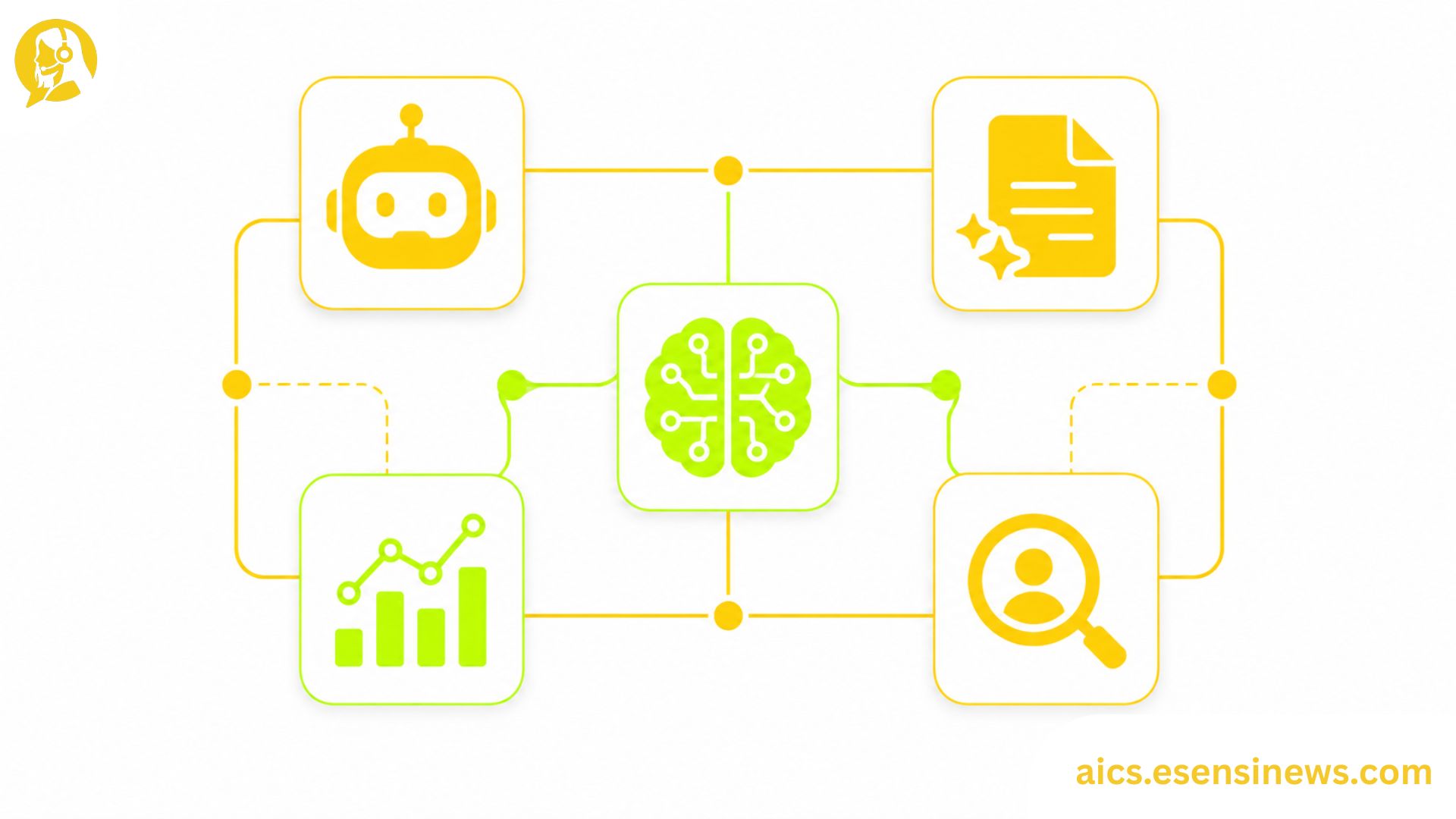
It’s easy to end up with a fragmented customer service AI stack. A chatbot gets added to the website. A sentiment analysis tool gets plugged into the quality team’s workflow. An agent-assist feature gets enabled in the helpdesk. A forecasting tool gets connected to the WFM platform. Each decision made sense individually, but the result is a collection of tools that don’t share data, duplicate each other’s functionality, and require separate maintenance cycles.
For IT decision makers, this fragmentation is a real operational problem. It creates data silos that undermine AI performance, since tools that can’t see each other’s outputs can’t learn from each other. It increases vendor management complexity. And it makes the total cost of ownership significantly harder to justify to finance, since the cumulative spend across tools isn’t always visible until the renewal cycle hits everything at once.
This guide focuses on how to think about AI tools for customer service as a stack rather than a collection, the principles that make tools work together rather than against each other, and how to audit your current state and design toward a more coherent architecture.
Why Stack Design Matters as Much as Individual Tool Selection
Here’s a simple way to think about the difference between a fragmented tool collection and a coherent stack. A fragmented collection is like a kitchen where every appliance is from a different brand, uses different voltage, and requires a separate account to update. A coherent stack is like a kitchen where the appliances were chosen with the layout and workflow in mind, the data from one system feeds the next, and the whole thing can be managed without a separate login for every device.
For AI tools for customer service, coherence means: tools share a common customer data layer, outputs from one tool are usable as inputs for another, performance data aggregates in one place rather than requiring separate dashboards, and adding a new tool doesn’t require rebuilding integrations from scratch.
The Three Layers of an AI Customer Service Stack
Rather than thinking in individual tools, it helps to organize AI tools for customer service into three functional layers.
Layer 1: Interaction Handling
These are the tools that directly touch customer conversations chatbots, voice bots, agent-assist platforms, and email automation. These tools are the most visible to customers and agents, and their performance most directly affects CSAT scores.
Tools in this layer typically generate significant amounts of interaction data that, if captured properly, feeds the layers below.
Layer 2: Intelligence and Analytics
These are the tools that process and learn from interaction data quality assurance AI, sentiment analysis, conversation analytics, and knowledge base optimization tools. This layer is what turns raw interaction data into insights and improvements.
If this layer can’t access clean data from Layer 1, it can’t function well. This is where fragmentation most often breaks down the value chain.
Layer 3: Operations and Optimization
These are the tools that use intelligence layer outputs to optimize operations workforce management, forecasting, coaching platforms, and reporting dashboards. These tools close the loop from insight to action.
For a stack to work well, data needs to flow coherently from Layer 1 through Layer 2 to Layer 3. Fragmentation at any point in this chain limits the value of everything downstream.
Principles for Building AI Tools for Customer Service That Work Together
1. Establish a Shared Customer Data Layer First
The most important architectural decision in any AI customer service stack is how customer data is stored and accessed. Every tool should be drawing from and writing to the same customer record, rather than maintaining separate data stores that require manual reconciliation.
This usually means establishing clear data standards before adding tools, not retrofitting them after the stack is already fragmented.
2. Prefer API-Native Tools Over Integration Wrappers
Tools built API-first integrate more cleanly and maintainably than tools whose integrations are built as add-ons or third-party connectors. When evaluating AI tools for customer service, ask whether the integration is native or wrapper-based the difference shows up significantly during maintenance and when connected systems update.
3. Minimize the Number of Data Destinations
Every tool that maintains its own data store creates a reconciliation problem. When evaluating stack additions, ask: does this tool write data somewhere new, or does it work with existing data stores? The fewer new data destinations, the easier the stack is to maintain and the more coherent its intelligence output becomes.
4. Design for Observability From the Start
A coherent stack needs a single place where overall system performance is visible not five separate dashboards, each showing a different slice. Whether this is a purpose-built observability tool or a shared data warehouse with standardized reporting, design for unified visibility before the stack grows too large to retrofit it.
5. Treat Vendor Lock-In as an Active Risk, Not a Background Concern
Some vendors design their AI tools for customer service to discourage interoperability, making it difficult to extract data or replace individual components without rebuilding the whole stack. Evaluate portability and exit terms explicitly for every tool added to the stack, not just the primary platform.
Auditing Your Current AI Customer Service Stack
Before redesigning toward a more coherent architecture, it helps to audit what you already have.
- List every AI tool currently in use across customer service, including tools owned by different teams that may not have IT visibility.
- Map data flows between tools: what data does each tool generate, where does it go, and where does it get used?
- Identify duplication: are any tools capturing or processing the same data in parallel without sharing?
- Flag broken or missing connections: where does data that should flow between tools actually get stuck or require manual intervention?
- Calculate per-tool cost and utilization: are all tools being actively used, or has some accumulated unused licenses?
This audit almost always reveals both consolidation opportunities and missing connections that were never built.
Pros and Cons of a Stack-First Approach to AI Tools for Customer Service
Pros ✅
- Better AI performance, since tools can learn from each other’s data when the stack is coherent
- Lower total cost of ownership, since consolidation and reduced duplication offset individual tool costs
- Simpler vendor management, with fewer contracts, renewal dates, and support relationships
- Faster troubleshooting, since performance issues can be traced through a unified data flow rather than across disconnected systems
- Stronger business case, since the value of individual tools is visible in aggregate rather than siloed
Cons ❌
- Requires upfront architectural planning, which takes time that procurement pressure often doesn’t allow
- Retrofitting coherence onto an existing fragmented stack is harder than designing from scratch
- Best-in-class point solutions may not integrate as well as a more limited but tightly integrated platform alternative
- Single-vendor stacks reduce flexibility and can increase lock-in risk
- Shared data layers require governance, since multiple tools writing to the same customer record need clear rules about data ownership and update authority
Practical Tips for Better Stack Design
- Run the audit before evaluating any new tool. Knowing your current state is prerequisite to designing toward improvement.
- Evaluate tools for data portability before features. A feature-rich tool that can’t share its data cleanly costs more long-term than it appears to save upfront.
- Establish a stack map as a living document. Every new tool added should update the map, making stack sprawl visible in real time.
- Designate a stack owner. Without someone accountable for overall architecture coherence, individual teams will continue making isolated tool decisions that fragment the stack further.
- Set a periodic stack rationalization review, at least annually, where unused or duplicative tools are actively considered for removal.
Common Mistakes IT Teams Make With AI Customer Service Tool Stacks
- Evaluating tools individually rather than as stack additions, missing integration and duplication issues
- Letting team-level tool decisions accumulate without central visibility, creating fragmentation that isn’t visible until the stack audit
- Prioritizing feature richness over integration quality, which looks good in demos but creates maintenance overhead in production
- Never auditing for utilization, paying for licenses on tools that are technically integrated but practically unused
- Treating stack design as a one-time project rather than an ongoing governance responsibility
FAQ: AI Tools for Customer Service
1. How many AI tools for customer service does a typical stack need? Needs vary by organization size and complexity, but most operations benefit from fewer, more deeply integrated tools rather than a larger collection of loosely connected point solutions.
2. What’s the most common cause of AI customer service tool sprawl? Individual teams making isolated tool decisions without central visibility or architectural standards is the most frequent root cause.
3. How do you evaluate whether AI tools for customer service work well together? Assess API quality, data portability, whether tools write to shared or separate data stores, and integration maintenance burden for each tool under consideration.
4. Is it better to use one AI customer service platform or multiple best-in-class tools? Both have trade-offs. Platforms offer better integration but less specialization. Best-in-class tools offer better capability in specific areas but require more integration work. The right choice depends on your integration capacity and tolerance for vendor lock-in.
5. What’s the most important architectural decision in building an AI customer service stack? Establishing a shared customer data layer that all tools read from and write to is usually the most foundational decision, since it determines whether tools can share intelligence or remain siloed.
6. How do you handle legacy tools that don’t integrate well with newer AI tools? Options include replacing them, building custom integration bridges, accepting data gaps in those areas, or including integration requirements explicitly in the next renewal negotiation.
7. What role should IT play in AI tool decisions made by customer service or operations teams? IT should set and enforce integration and data standards, even when individual tools are selected by business teams, to prevent fragmentation from accumulating invisibly.
Conclusion
Choosing AI tools for customer service one at a time, without a stack design in mind, reliably produces fragmentation that limits AI performance and increases maintenance cost over time. The organizations that get the most value from their AI investments tend to be the ones that treat tool selection as a stack design problem, not just a feature comparison exercise.
The takeaway? Audit first, design the architecture, then evaluate individual tools within that framework. A smaller, more coherent stack almost always outperforms a larger, more fragmented one.
Ready to Design a More Coherent Stack?
If this guide gave you a clearer framework, start with the stack audit this week and map your current data flows. Know another IT leader dealing with tool sprawl in their customer service environment? Share this with them. And if you’re planning to explore more AI architecture strategies, bookmark this page so it’s easy to find again. Here’s to a stack that actually works together, not just one that looks complete on a diagram.


Leave a Reply