
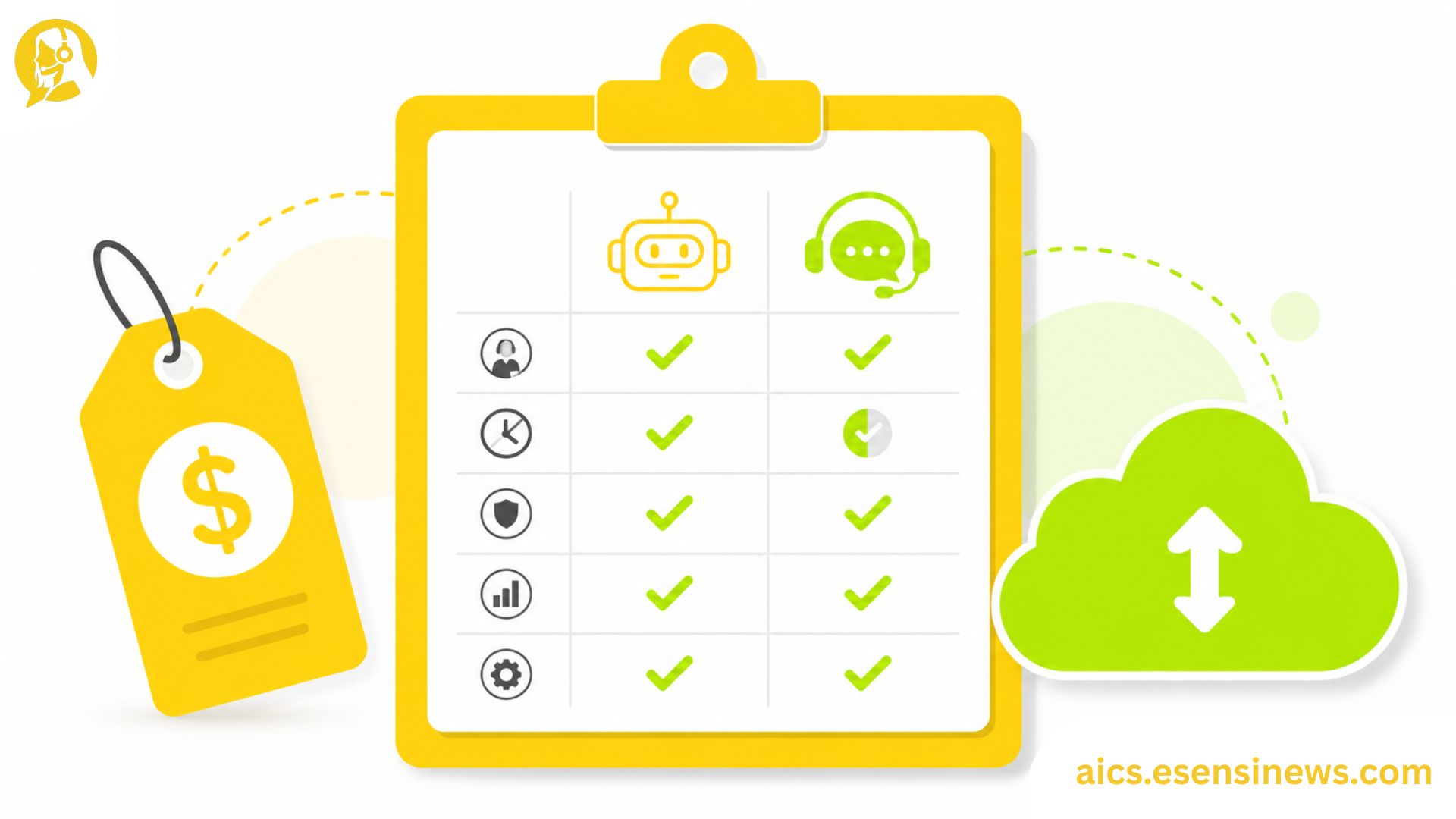
Once you start comparing AI customer service solutions seriously, you’ll notice something fast: pricing pages rarely tell the whole story. One vendor charges per seat, another charges per conversation, and a third bundles everything into a flat enterprise fee that sounds simple until you read the fine print. For an IT decision maker building a real budget case, that inconsistency makes apples-to-apples comparison genuinely difficult.
This isn’t just a finance problem either. Deployment model, pricing structure, and contract terms all directly affect implementation timelines, internal resourcing, and how easily you can scale or walk away later. Picking based on sticker price alone, without understanding what’s actually included, is one of the fastest ways to end up with budget overruns six months into a rollout.
This guide breaks down the deployment models and pricing structures you’ll run into while evaluating AI customer service solutions, along with a practical scorecard approach for shortlisting vendors based on more than just the initial quote.
What “AI Customer Service Solutions” Actually Covers
Before comparing pricing, it helps to be clear on scope. AI customer service solutions can range from a single chatbot feature bolted onto an existing helpdesk, to a full platform handling routing, agent assistance, analytics, and self-service across multiple channels.
Two vendors quoting wildly different prices might not even be selling comparable products. Always confirm exactly which capabilities are included before treating any quote as a true apples-to-apples comparison point.
Deployment Models: SaaS vs On-Premise vs Hybrid
Cloud-Based SaaS
Most modern AI customer service solutions run as cloud-based SaaS platforms, meaning the vendor hosts and maintains the infrastructure while you access it through a web interface or API. This typically means faster setup and less internal maintenance burden, at the cost of less direct control over the underlying infrastructure.
On-Premise Deployment
Less common today, but still relevant for certain regulated industries, on-premise deployment means the solution runs on your own servers. This offers more control over data and security, but requires significantly more internal IT resources to maintain and update.
Hybrid Models
Some providers offer hybrid setups, where sensitive data processing happens on your own infrastructure while less sensitive functions run in the cloud. This can balance control and convenience, though it usually comes with added complexity and cost.
4 Pricing Models You’ll Encounter
1. Per-Seat Pricing
You pay based on the number of agents or users accessing the platform. This model is predictable and easy to budget for, but can get expensive quickly as your team scales, regardless of how much each agent actually uses the AI features.
2. Usage-Based Pricing
Costs scale with actual usage, like number of conversations, resolutions, or API calls processed. This can be more cost-efficient for smaller or seasonal operations, but makes forecasting future costs trickier as volume fluctuates.
3. Flat-Fee Subscription Tiers
Vendors offer fixed pricing tiers based on feature sets rather than usage or seats, often with defined usage caps. This provides budget predictability but may include features you don’t need or cap out faster than expected during high-volume periods.
4. Custom Enterprise Pricing
For larger deployments, many vendors negotiate custom contracts based on specific feature needs, integration complexity, and expected volume. This offers the most flexibility but requires more upfront negotiation and a clear understanding of your actual requirements.
Building a Procurement Scorecard for Shortlisting Solutions
Rather than comparing vendors purely on price, build a simple scorecard that weighs the factors that actually matter for your organization.
- List your must-have capabilities versus nice-to-have features, and score each vendor against both categories separately.
- Calculate total cost of ownership, not just the quoted price, factoring in implementation time, training, and ongoing maintenance.
- Score integration complexity based on how well each solution connects with your existing tech stack.
- Weigh contract flexibility, including cancellation terms and data portability if you need to switch providers later.
- Factor in vendor support quality, based on reference calls or trial period responsiveness, not just promised SLAs.
- Assign weights to each category based on what matters most for your specific organization, then score vendors numerically for a more objective comparison.
A simple weighted scorecard like this turns a subjective, demo-driven decision into something far more defensible when presenting to leadership or finance.
Pros and Cons of Different AI Customer Service Solution Models
Pros ✅
- SaaS solutions reduce internal maintenance burden and speed up deployment
- Usage-based pricing can lower costs for smaller or seasonal support volumes
- Flat-fee tiers simplify budgeting with predictable monthly costs
- Custom enterprise contracts offer flexibility tailored to specific organizational needs
- A scorecard approach reduces decision bias toward flashy demos over actual fit
Cons ❌
- Per-seat pricing can become expensive as teams scale, regardless of actual usage
- Usage-based models complicate forecasting, especially with unpredictable volume
- On-premise deployment requires significant internal IT investment
- Custom contracts take longer to negotiate and may require deeper internal alignment first
- Comparing solutions with different scopes can lead to misleading price comparisons if capabilities aren’t carefully matched
Practical Tips for Comparing AI Customer Service Solutions
- Always request a detailed feature breakdown alongside pricing, not just a top-line quote.
- Calculate cost per resolution, not just cost per seat, to get a clearer efficiency picture across vendors.
- Ask for transparent usage caps and overage costs before committing to any tier-based plan.
- Negotiate a pilot period with real volume, rather than relying solely on a sales demo environment.
- Revisit your scorecard with stakeholders from finance and operations, not just IT, before making a final decision.
Common Mistakes IT Teams Make When Comparing Solutions
- Comparing quotes without confirming matching feature scope across vendors
- Focusing only on upfront price, ignoring total cost of ownership over time
- Skipping a true usage-based pilot, relying instead on demo environments that don’t reflect real volume
- Underestimating integration and migration costs when comparing on-premise versus SaaS options
- Failing to involve finance stakeholders early, leading to budget surprises later in the process
FAQ: AI Customer Service Solutions
1. What’s the most common pricing model for AI customer service solutions? Per-seat and usage-based pricing are currently the most common models, though many enterprise deals use custom pricing structures instead.
2. Is SaaS or on-premise better for AI customer service solutions? SaaS is generally faster to deploy and easier to maintain, while on-premise offers more control, which matters more for certain regulated industries.
3. How do I calculate total cost of ownership for an AI customer service solution? Include implementation time, training costs, ongoing maintenance, and any usage overage fees alongside the base subscription or licensing cost.
4. What should I include in a procurement scorecard for AI customer service solutions? Must-have features, total cost of ownership, integration complexity, contract flexibility, and vendor support quality are strong starting categories.
5. Are usage-based pricing models riskier than flat-fee plans? They can be harder to forecast, especially with unpredictable call or chat volume, but they may also reduce costs during slower periods.
6. How long should a pilot period be before committing to an AI customer service solution? Most IT teams benefit from at least four to eight weeks, long enough to capture real usage patterns rather than just initial impressions.
7. Should small businesses consider custom enterprise pricing? Usually not initially. Custom pricing tends to make more sense for larger deployments with specific integration or compliance needs.
Conclusion
Comparing AI customer service solutions isn’t just about finding the lowest sticker price, it’s about understanding deployment models, pricing structures, and total cost of ownership well enough to make a defensible, long-term decision. A clear procurement scorecard helps cut through flashy demos and inconsistent pricing pages, giving you a more objective way to compare vendors.
The takeaway? Match feature scope before comparing prices, calculate true total cost of ownership, and build a scorecard that reflects what actually matters to your organization. That’s how you land on AI customer service solutions that hold up well past the first budget cycle.
Ready to Build Your Comparison Scorecard?
If this guide gave you a clearer framework, pull together your vendor shortlist and start scoring them against the categories above this week. Know another IT decision maker working through the same evaluation process? Pass this along to them. And if you’re planning to explore more CX technology procurement strategies, bookmark this page so it’s easy to find again. Here’s to a decision built on real comparison, not just the flashiest pitch deck.


Leave a Reply