
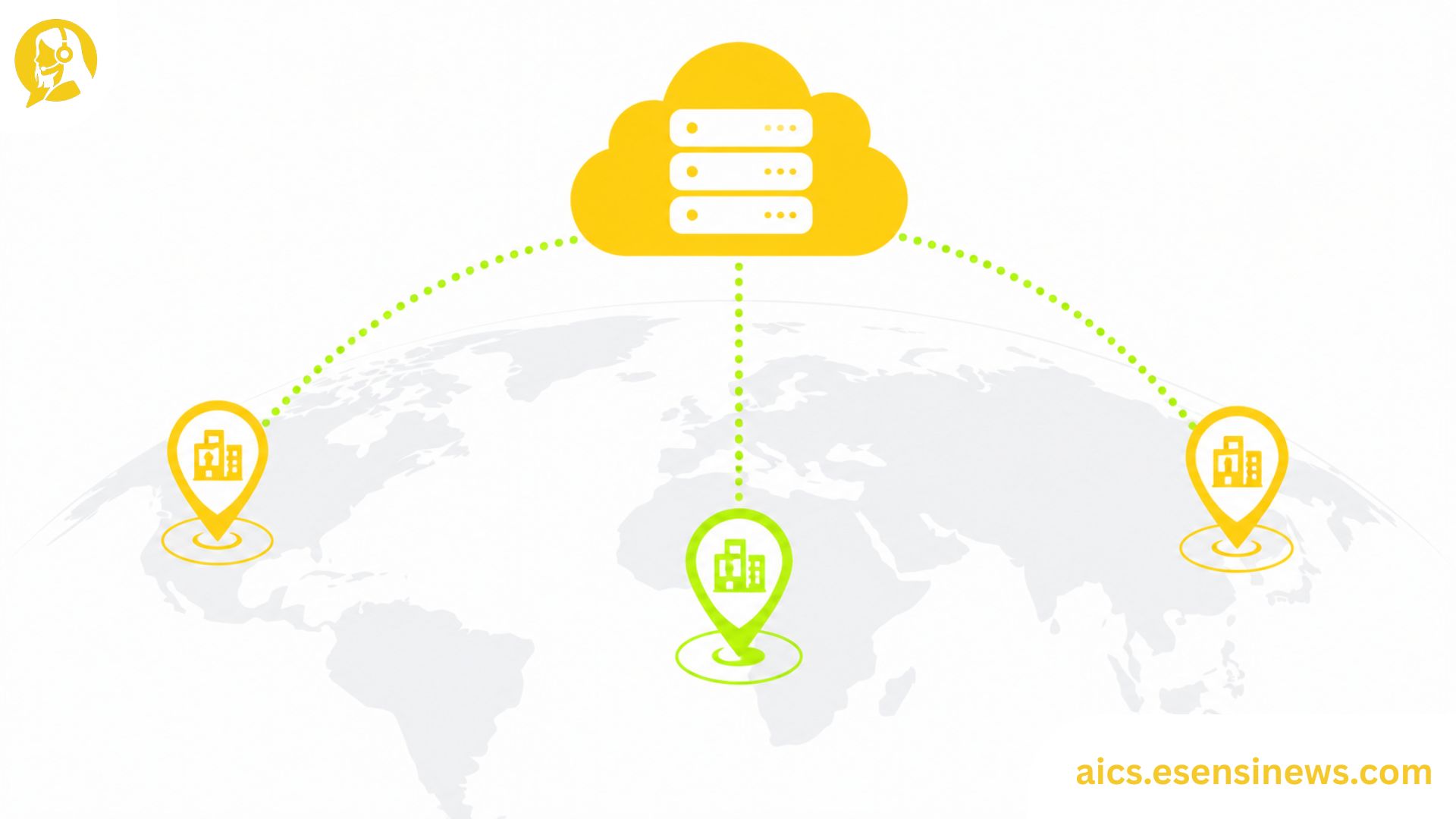
For IT leaders at enterprise organizations, evaluating contact center AI software for a single site is a fundamentally different challenge from deploying it across five locations in three countries with four languages. Yet most vendor evaluations focus on the single-site scenario, partly because that’s what demos are built around and partly because the multi-region complexity only becomes apparent once you start asking detailed questions that sales conversations tend to gloss over.
Multi-site contact center AI deployments surface challenges that simply don’t exist in a single-site environment. Data residency requirements vary by country. Speech recognition accuracy differs across languages and regional accents in ways that aggregate performance metrics won’t reveal. Governance gets significantly more complex when multiple regional operations teams each need different levels of access and autonomy. And latency characteristics of cloud-based AI can vary meaningfully depending on where your sites are relative to the vendor’s infrastructure.
This guide walks through the specific considerations that matter most for multi-site and multi-region contact center AI software deployments, the questions worth asking before you commit, and how to structure your evaluation to surface these issues before they become post-implementation problems.
Why Single-Site Performance Doesn’t Predict Multi-Site Performance
This is worth stating clearly because it’s the most common mistake in enterprise contact center AI evaluations. A vendor demonstration that performs impressively in a controlled, single-site, English-language environment may underperform significantly when deployed across a distributed operation with regional variation.
Several factors drive this gap:
- Language model performance varies across languages, even within the same platform. English accuracy doesn’t predict Spanish accuracy, and neither predicts French Canadian accuracy.
- Regional accent performance differs even within the same language. A voice AI tuned for US English may struggle with Singaporean English or South African English.
- Latency varies with geographic distance from the vendor’s data center infrastructure, affecting real-time performance in regions far from primary infrastructure locations.
- Data residency requirements differ by country, meaning what’s permissible in the US may not be permissible under EU or APAC data protection frameworks.
Key Evaluation Areas for Multi-Site Contact Center AI Software
1. Language and Accent Coverage
The most fundamental question for any multi-region deployment: what languages does the AI actually support at production quality, and has it been specifically trained and tested for the regional accent variations present in your caller population?
Evaluate this by requesting accuracy data specifically for your target languages and regions, not overall platform accuracy figures. Ask whether language performance is maintained from a shared global model or regional models, since this affects how updates and improvements are distributed across regions.
2. Data Residency and Cross-Border Data Flow
Data residency requirements are one of the most frequently underestimated challenges in global contact center AI deployments. Customer interaction data processed in a European contact center may be subject to GDPR requirements that restrict data transfer outside the EU. Similar restrictions exist in other regions.
Before signing any enterprise contact center AI software agreement, map out which data will be generated by each regional deployment, where it will be processed and stored, and whether the vendor’s architecture supports your specific regional compliance requirements.
3. Infrastructure Geography and Latency
Cloud-based AI processing for real-time interactions like voice calls and live chat is latency-sensitive. A deployment running from infrastructure in North America may introduce perceptible latency for contact centers in Southeast Asia or Southern Africa. Ask vendors specifically about regional infrastructure availability and expected latency for each of your deployment sites.
4. Governance Model for Distributed Operations
In a multi-site deployment, different regional operations teams typically need different levels of access and control over AI configuration. A centralized IT team may need global administrative access, while regional operations managers may need the ability to adjust conversation flows and language configurations for their specific sites without affecting other regions.
Evaluate whether the software’s governance model supports this kind of hierarchical access structure, since a platform designed for single-site deployment may require workarounds or additional professional services to support distributed governance.
5. Integration Architecture Across Sites
Contact centers in different regions often run different helpdesk platforms, CRM systems, or telephony infrastructure. Multi-site deployment means the contact center AI software may need to integrate with different systems in different regions, not just one central stack.
Map your per-site integration requirements before evaluating vendors, and specifically ask how the platform handles integration with multiple, potentially different, backend systems across sites.
6. Support and Maintenance Across Time Zones
When contact center AI software has an issue at 2 PM in Singapore, your IT team needs vendor support available at that moment, not eight hours later when US business hours begin. Evaluate vendor support coverage against your global operational hours, including escalation paths for critical production issues in each region.
A Pre-Deployment Checklist for Multi-Site Rollouts
Before deploying contact center AI software across multiple sites, work through these questions for each planned location:
- What languages and regional accents are present in the caller population at this site?
- What data residency and sovereignty requirements apply to customer interaction data processed at this site?
- What is the expected network latency from this site to the vendor’s nearest AI processing infrastructure?
- Which backend systems does this site’s contact center AI need to integrate with?
- Which regional teams need access to configure and manage AI behavior at this site, and at what permission level?
- What are the compliance frameworks (beyond data residency) that apply specifically to this location or industry vertical at this site?
Pros and Cons of Multi-Site Contact Center AI Deployment
Pros ✅
- Unified platform visibility across all sites when configured well
- Consistent AI capabilities and updates deployed across locations from a central management layer
- Economies of scale in licensing and vendor relationship management
- Cross-site data insights that reveal patterns invisible in single-site analytics
- Faster global rollout of improvements and new capabilities
Cons ❌
- Language and accent performance gaps that aggregate metrics obscure
- Data residency complexity that requires jurisdiction-by-jurisdiction analysis
- Latency variability for sites geographically distant from vendor infrastructure
- Governance complexity requiring careful access architecture design
- Integration heterogeneity when sites run different backend systems
- Support coverage gaps if vendor business hours don’t align with global operational hours
Practical Tips for Multi-Site Contact Center AI Evaluation
- Build a per-site requirements map before any vendor conversations, covering language, compliance, integration, and latency requirements for each location.
- Require region-specific accuracy demonstrations, not just overall platform performance data, for every language and accent your deployment will cover.
- Ask explicitly about data residency architecture for each of your target regions, and request documentation, not just verbal assurances.
- Test latency from actual site locations, not just from headquarters, before making a final deployment decision.
- Evaluate support coverage in writing against your global operational hours before signing a contract.
Common Mistakes IT Teams Make in Multi-Site Deployments
- Evaluating contact center AI software only from headquarters without testing from each planned deployment location
- Assuming overall platform language support equals strong regional performance, when regional accuracy data tells a very different story
- Skipping data residency analysis until after a contract is signed, creating compliance retrofitting challenges
- Designing a single-site governance model and applying it globally, rather than building a hierarchical access structure that reflects regional operational autonomy
- Not requesting global support coverage documentation, discovering support gaps only during a production incident in a remote region
FAQ: Contact Center AI Software Multi-Site Deployment
1. Can contact center AI software be deployed across multiple countries simultaneously? Yes, but multi-country deployments require careful attention to data residency requirements, language model performance, latency, and governance architecture that single-site deployments don’t face.
2. How does data residency affect contact center AI software deployment in the EU? GDPR and related frameworks may restrict how customer interaction data can be transferred or processed outside the EU, which directly affects the permissible architecture for contact center AI software used in European operations.
3. Why might contact center AI software perform differently in different regions? Language model accuracy, regional accent coverage, network latency to cloud infrastructure, and integration with regional backend systems all affect performance in ways that don’t show up in single-site demos.
4. How should governance be structured for multi-site contact center AI deployments? A hierarchical access model typically works best: global IT admin access for platform-level configuration, regional operations manager access for site-specific customization, and limited agent-level access for day-to-day use.
5. What latency considerations matter for global contact center AI software? Real-time voice and chat processing is latency-sensitive. Sites geographically distant from a vendor’s primary infrastructure may experience perceptible delays that affect call quality and interaction responsiveness.
6. Is a single contact center AI software vendor typically able to support global deployments? Many enterprise vendors offer global deployment capabilities, but coverage quality varies significantly by region and language. Evaluating regional capabilities specifically, rather than assuming global coverage is uniform, is essential.
7. What’s the most commonly overlooked aspect of multi-site contact center AI planning? Per-site data residency requirements are consistently the most underestimated challenge, often only surfacing after a contract is signed when compliance teams conduct a detailed review.
Conclusion
Contact center AI software that performs well in a single-site deployment may require significant additional planning and validation to perform well across multiple sites, regions, and languages. Data residency requirements, language and accent coverage, latency, governance architecture, integration heterogeneity, and support coverage all vary at the site level in ways that aggregate vendor performance data simply doesn’t reveal.
The takeaway? Build your evaluation framework around per-site requirements, not just overall platform capabilities. The IT leaders who surface these issues before signing a contract consistently have smoother deployments than those who discover them during rollout.
Ready to Build Your Multi-Site Evaluation Plan?
If this guide gave you a clearer framework, start by building your per-site requirements map this week before your next vendor conversation. Know another IT leader evaluating contact center AI for a multi-region operation? Share this with them. And if you’re planning to explore more enterprise AI deployment strategies, bookmark this page so it’s easy to find again. Here’s to a deployment that performs as well in Singapore as it does in the demo room.



Leave a Reply